466
ES350_300h_OM_OM33A60U_(U)
5-3. Using the Lexus Display Audio system
Once the Bluetooth
®
phone is registered, you can make a call using the
following procedure:
■ Dialing
Display the “Phone” screen. (P. 459)
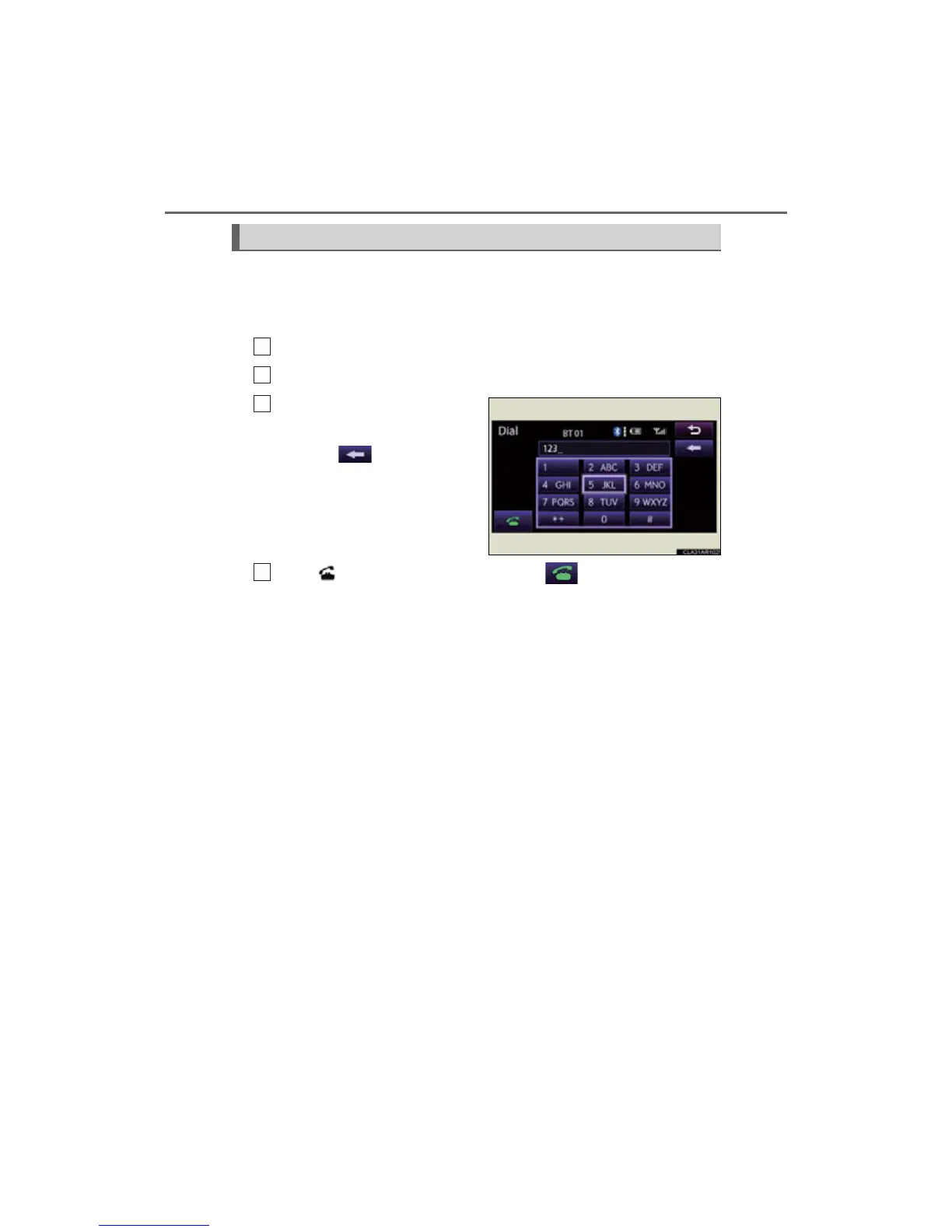
Select “Dial” on the “Phone” screen.
Input the phone number.
To delete the inputted phone num-
ber, select .
For the first digit, you can enter “+”
by selecting “
” for a while.
Press on the steering wheel or select .
Depending on the type of phone, when internet communication functions such
as skype are available, phone operations (selecting between normal phone
communication or internet communication) may be necessary after dialing
operations are performed.
Making a call



 To Next Page