646
ES350_300h_OM_OM33A60U_(U)
5-7. Other interior features
■ Deviation calibration
Stop the vehicle in a place where it is safe to drive in a circle.
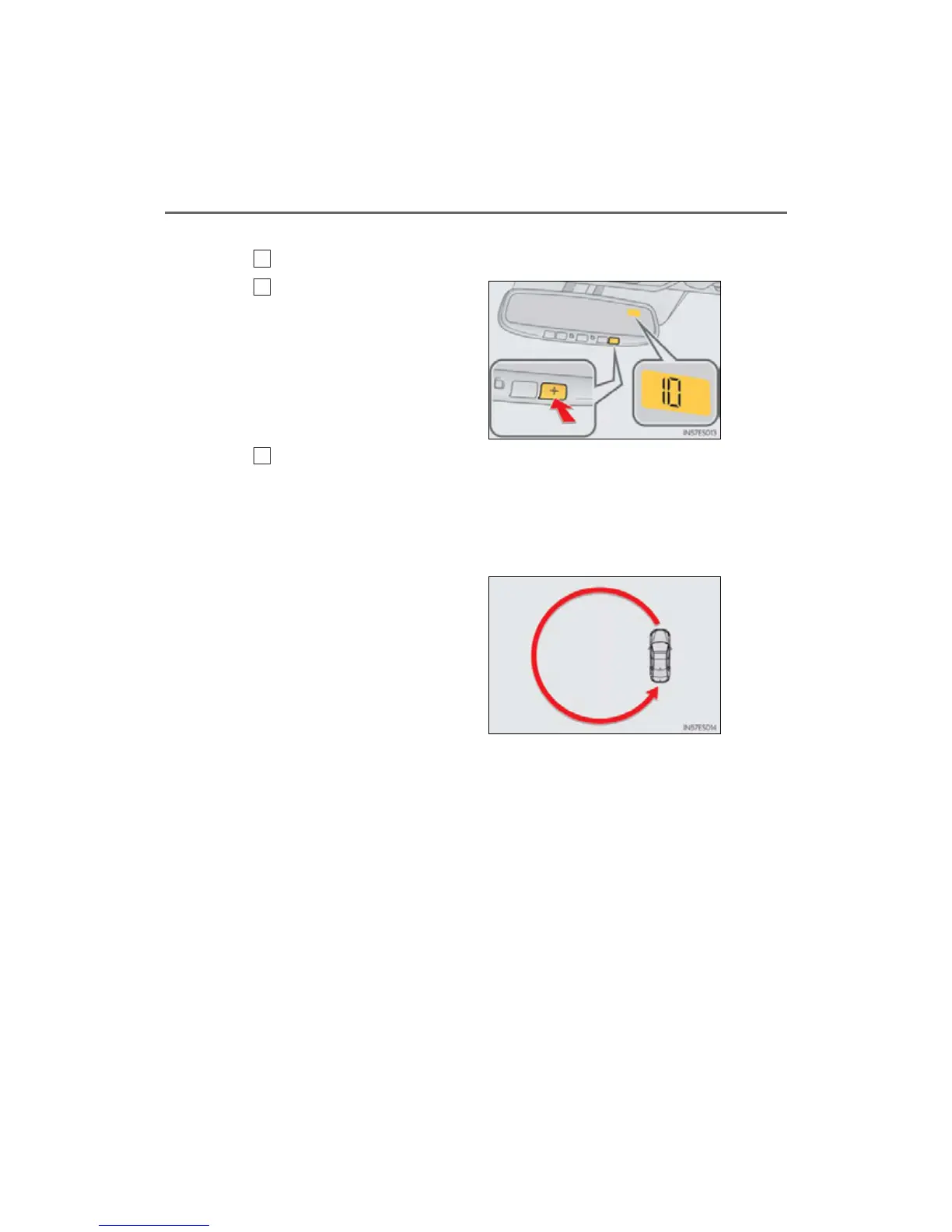
Press the switch until a number
(1 to 15) appears on the com-
pass display.
Press the switch and referring to the map above, select the number
of the zone where you are.
If the direction is displayed several seconds after adjustment, the calibration is
complete.
■ Circling calibration
When “C” appears on the dis-
play, drive the vehicle at 5 mph
(8 km/h) or less in a circle until a
direction is displayed.
If there is not enough space to drive
in a circle, drive around the block
until the direction is displayed.



 To Next Page