8
During atomic clock reception, press and hold "Down /RCC" key over 3s to
exit atomic clock reception.
For information about WWVB, visit
www.nist.gov/pml/div688/grp40/wwvb.cfm
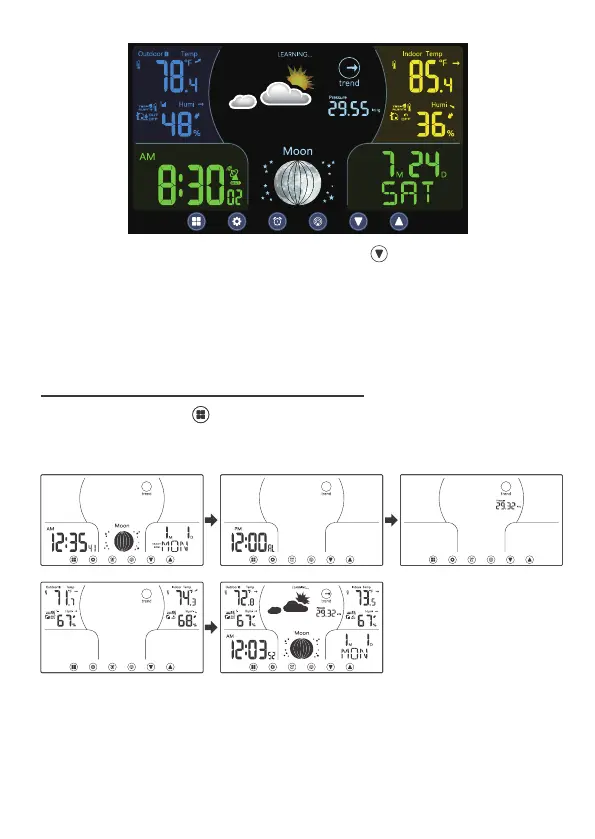
In Normal display, press to switch into different modes display.
Time/Calendar → Alarm → Atmospheric pressure → Indoor/Outdoor temperature
& humidity→ Normal Display
6 SWITCH DIFFERENT MODE DISPLAYS



 To Next Page