15
ENGLISH
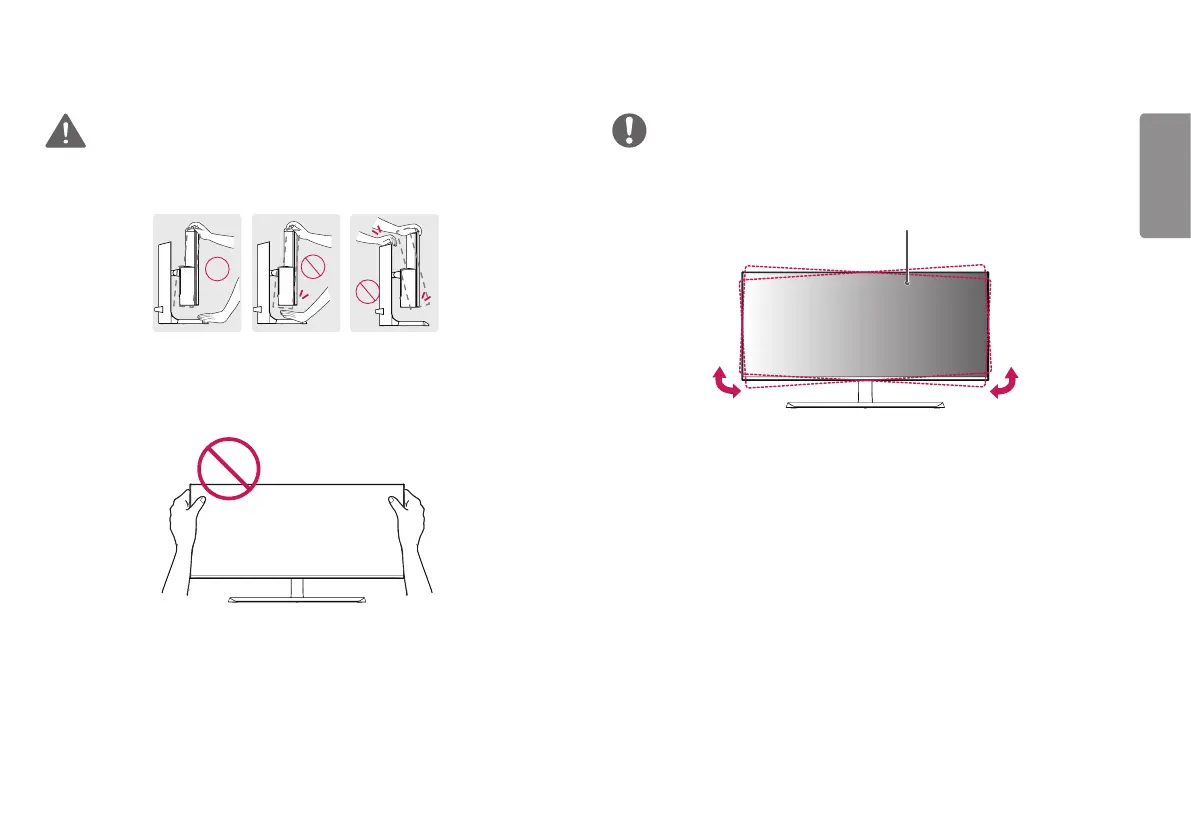
WARNING
To avoid injury to the fingers when adjusting the screen, do not hold the lower part
of the monitor’s frame as illustrated below.
Be careful not to touch or press the screen area when adjusting the angle of the
monitor.
NOTE
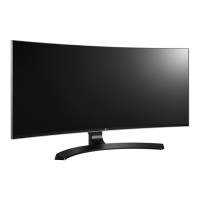
The left or right side of the monitor head can be slightly rotated up or down (up to
3°). Adjust the horizontal level of the monitor head.
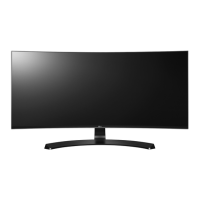
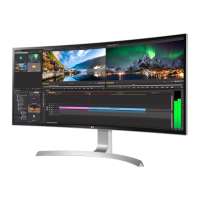
Monitor head


 To Next Page