32
ENGLISH
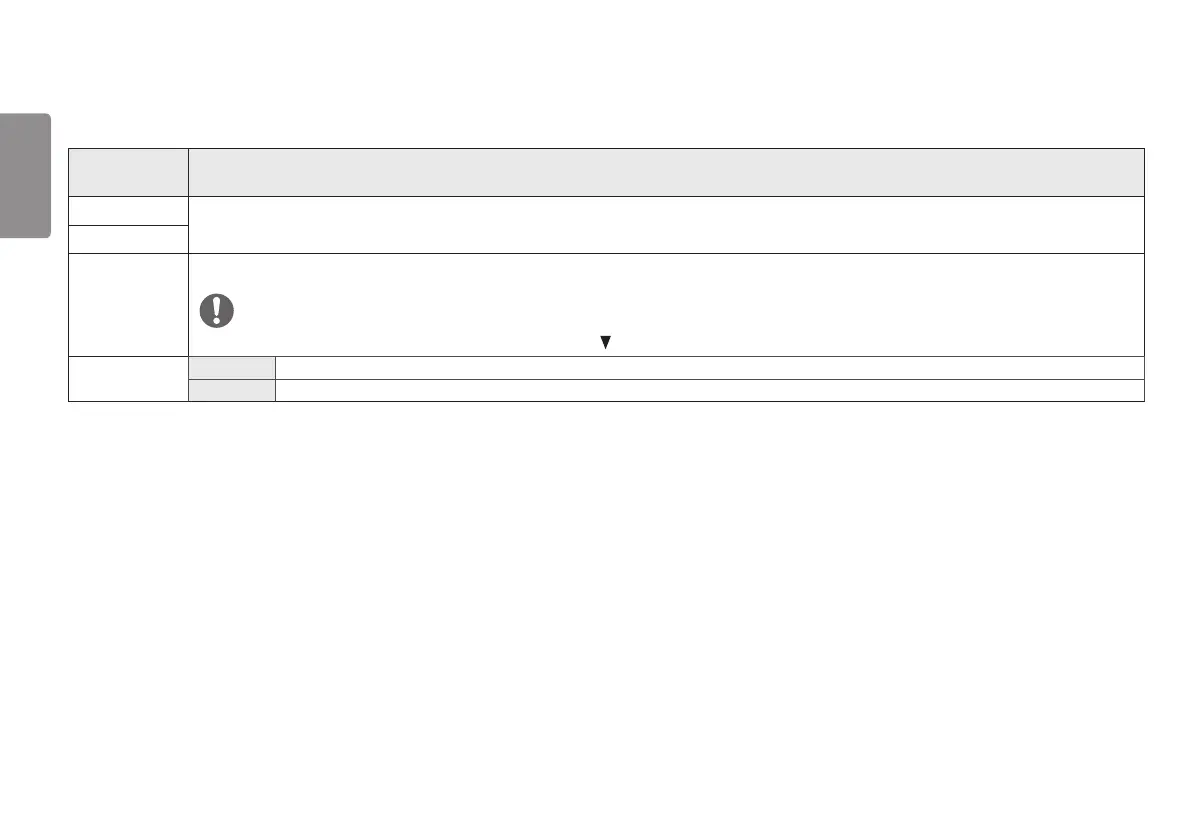
Each option is described below.
Menu > Quick
Settings
Description
Brightness
Adjusts the color contrast and brightness of the screen.
Contrast
Volume Adjusts the volume level.
NOTE
You can adjust Mute / Unmute by moving the joystick button to in the Volume menu.
MaxxAudio
On MaxxAudio® by Waves, recipient of a Technical GRAMMY Award® is a suite of studio-quality sound tools for a superior listening experience.
Off Disables the MaxxAudio function.


 To Next Page