EasyManua.ls Logo

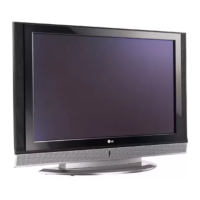
LG 42PC3RV - Speaker

LG 42PC3RV
89 pages
Print Icon
To Next Page IconTo Next Page
To Previous Page IconTo Previous Page
Loading...
TV MENU
/
AUDIO ADJUSTMENT
51
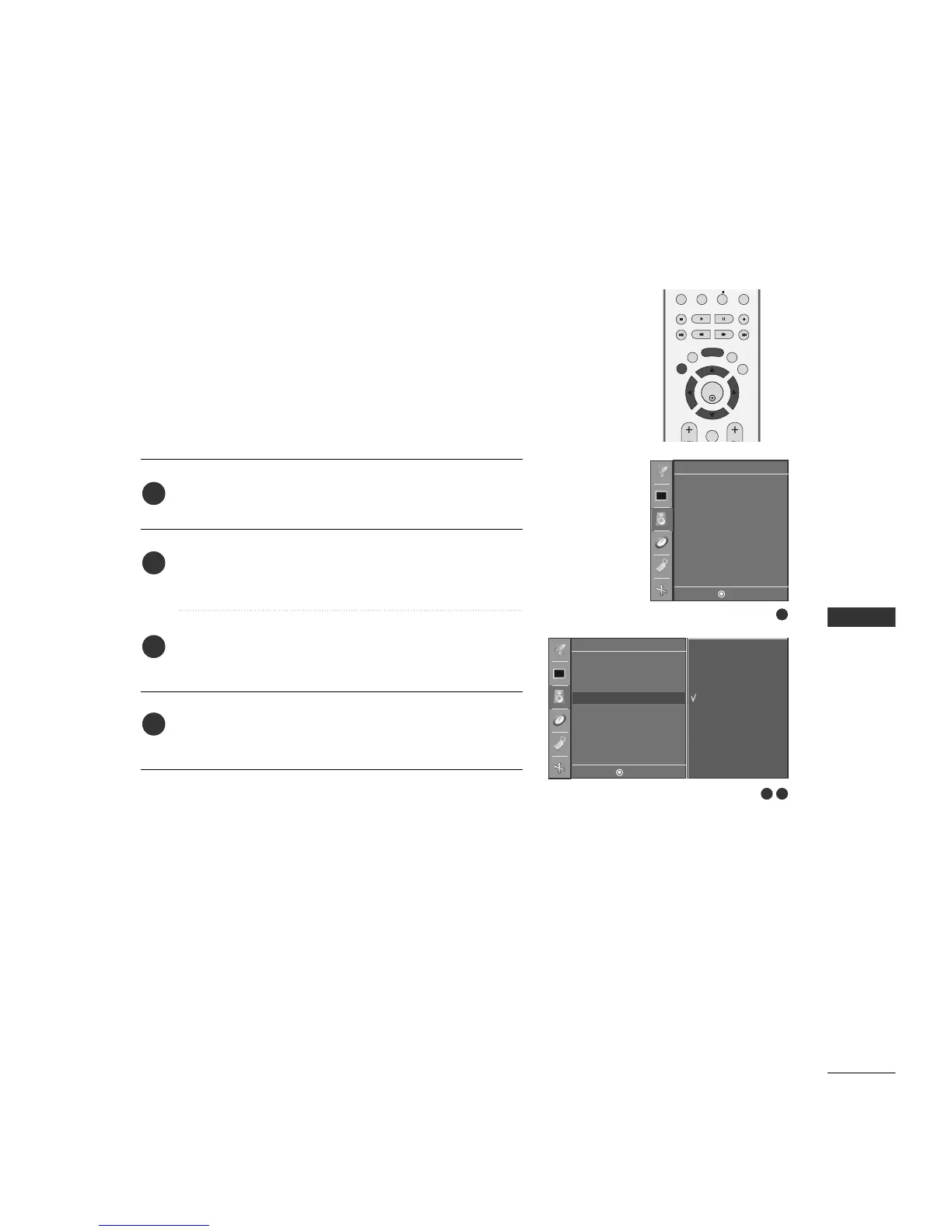
TV SPEAKERS ON/OFF SETUP
Turn the TV speakers off if using external audio equipment.
Feature turns the TV Speakers option On or Off.
Press the
MMEENNUU
button and then
DD
//
EE
button to select
the
SSoouunndd
menu.
Press the
GG
button and then
DD
//
EE
button to select
SSppeeaakkeerr
.
Press the
GG
button and then
DD
//
EE
button to select
OO nn
or
OOffff
.
Press the
EEXXIITT
button to return to TV viewing or press the
MMEENNUU
button to return to the previous menu.
PIP PR- PIP PR+
PIP INPUT
EXIT
VOL CH
SLEEP
MENU
ENTER
REVIEW
MEMORY/ERASE
MTS
1
2
3
4
1
1
2 3
DASP
AVL
Balance 0
Speaker
Sound
DE F G
MENU
On
Off
Sound
DE F G
MENU
DASP
AVL
Balance 0
Speaker G

Table of Contents