TV MENU
63
LOCK SYSTEM
2 3
2 3
Parental
DE F G
MENU
Lock G
Set password
MPAA
Age block
Content block
Aux. block
Canadian
1
Language
Key lock
ISM Method
Low Power
Set ID
Caption/Text
Parental
Demo
Special
DE F G
MENU
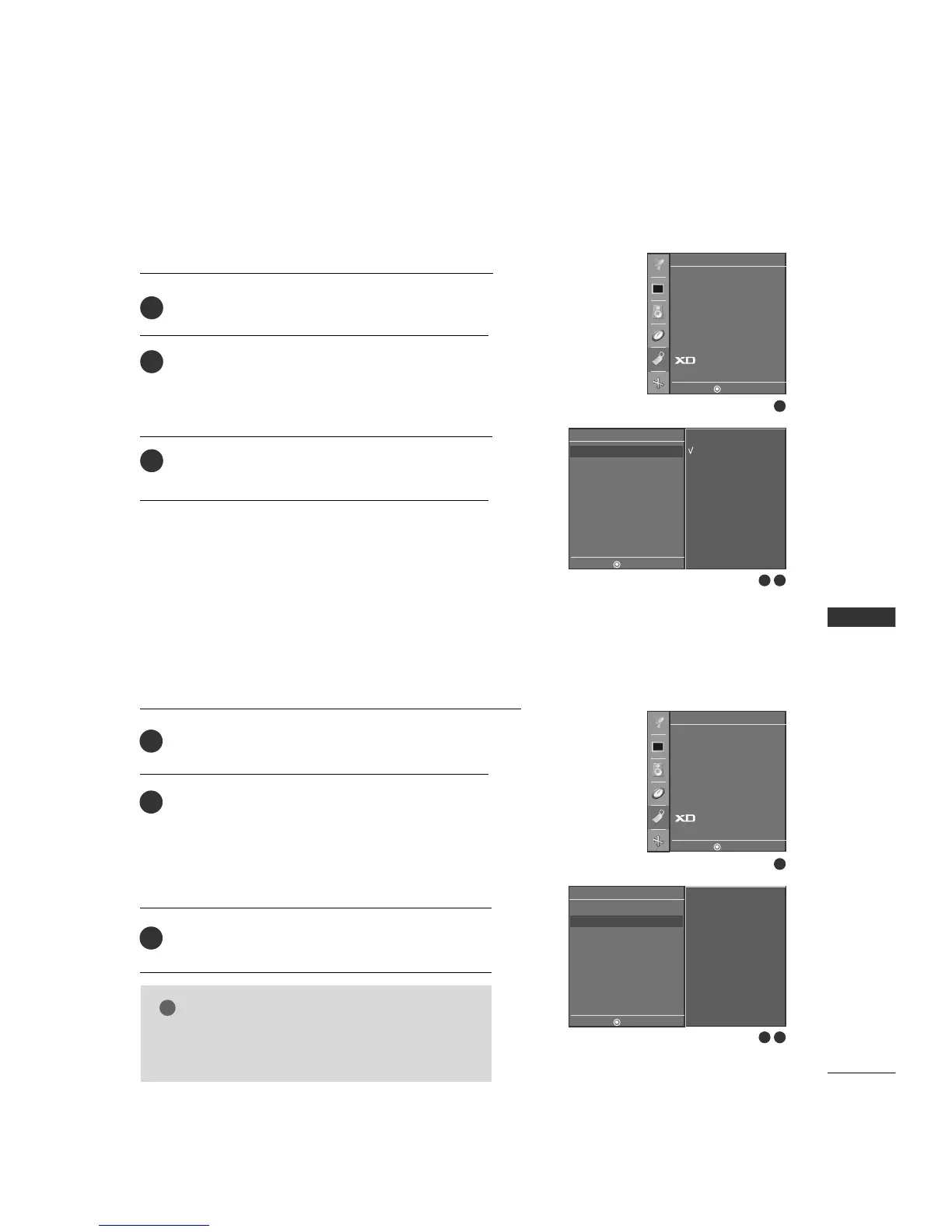
After inputting the password, use the
DD
or
EE
button
to choose
LLoocckk
.
Press the
GG
button and then use the
DD
or
EE
button
to select
OO nn
or
OOffff
.
■
When you select
OO nn
, the Lock System is enable.
Press
EEXXIITT
button to return to TV viewing or press
MMEENNUU
button to return to the previous menu.
2
3
1
On
Off
Parental
DE F G
MENU
Lock
Set password G
MPAA
Age block
Content block
Aux. block
Canadian
1
Language
Key lock
ISM Method
Low Power
Set ID
Caption/Text
Parental
Demo
Special
DE F G
MENU
New - - - -
Confirm - - - -
SET PASSWORD
After inputting the password, use the
DD
or
EE
button
to choose
SSeett ppaasssswwoorrdd
.
Press the
GG
button and then choose any 4 digits for
your new password.
As soon as the 4 digits are entered, re-enter the same
4 digits on the
CCoonnffiirrmm
.
Then your changed password has been memorized.
Press
EEXXIITT
to return to TV viewing or press
MMEENNUU
to return to the previous menu.
Change the password by inputting a new password twice.
2
3
1
NOTE
GG
If you ever forget your password, key in ‘7’, ‘7’, ‘7’, ‘7’
on the remote control.



 To Next Page