10
ENG
ENGLISH
ASSEMBLING AND PREPARING
Portrait Layout
To install in portrait mode, rotate the set
counterclockwise 90 degrees when looking at from
the front.
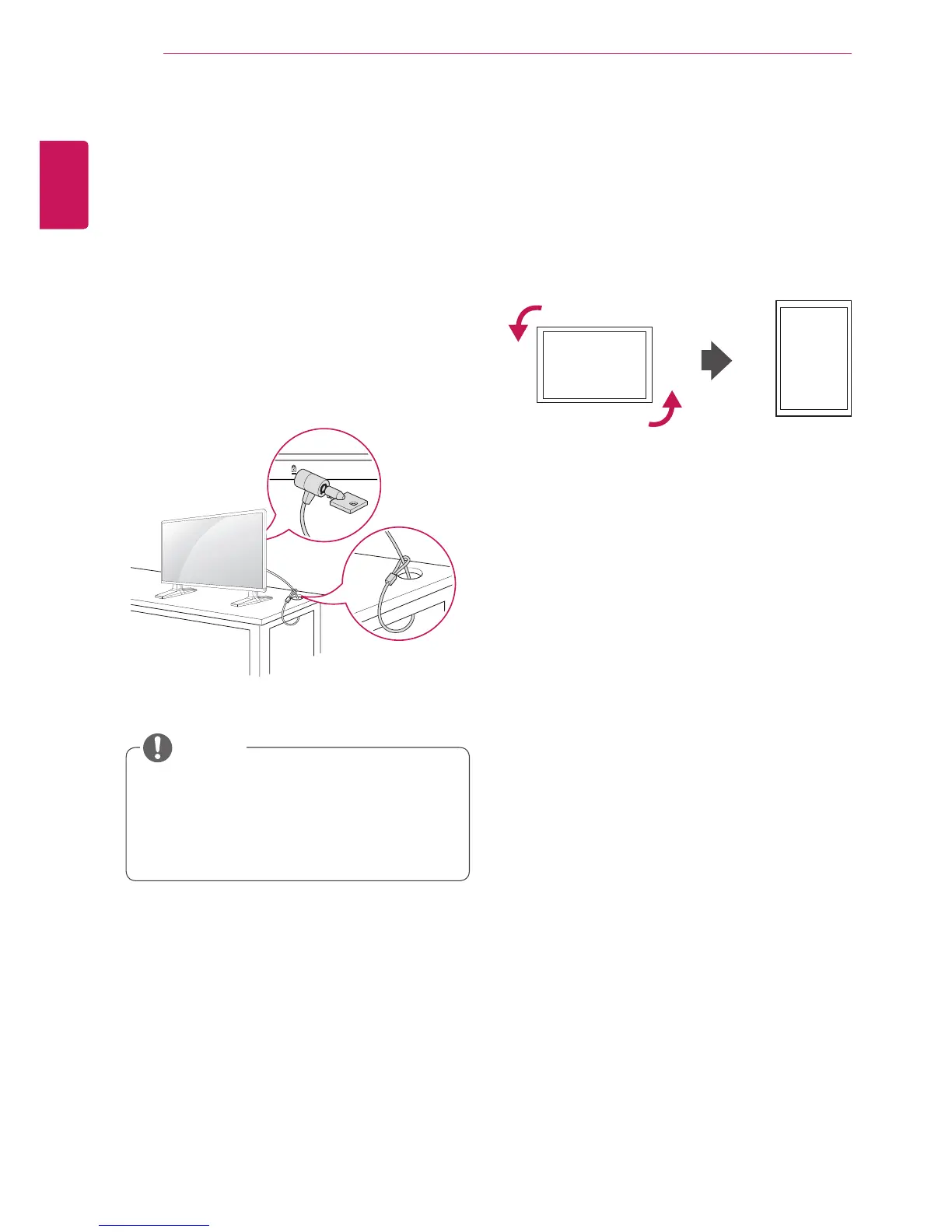
Using the Kensington
security system
The Kensington security system connector is
located at the back of the Monitor. For more
information of installation and using, refer to the
manual supplied with the Kensington security
system or visit
http://www.kensington.com
.
Connect the Kensington security system cable
between the Monitor and a table.
y
The Kensington security system is optional.
You can obtain additional accessories from
most electronics stores.
NOTE



 To Next Page