55
ENG
ENGLISH
MAKING CONNECTIONS
MAKING CONNECTIONS
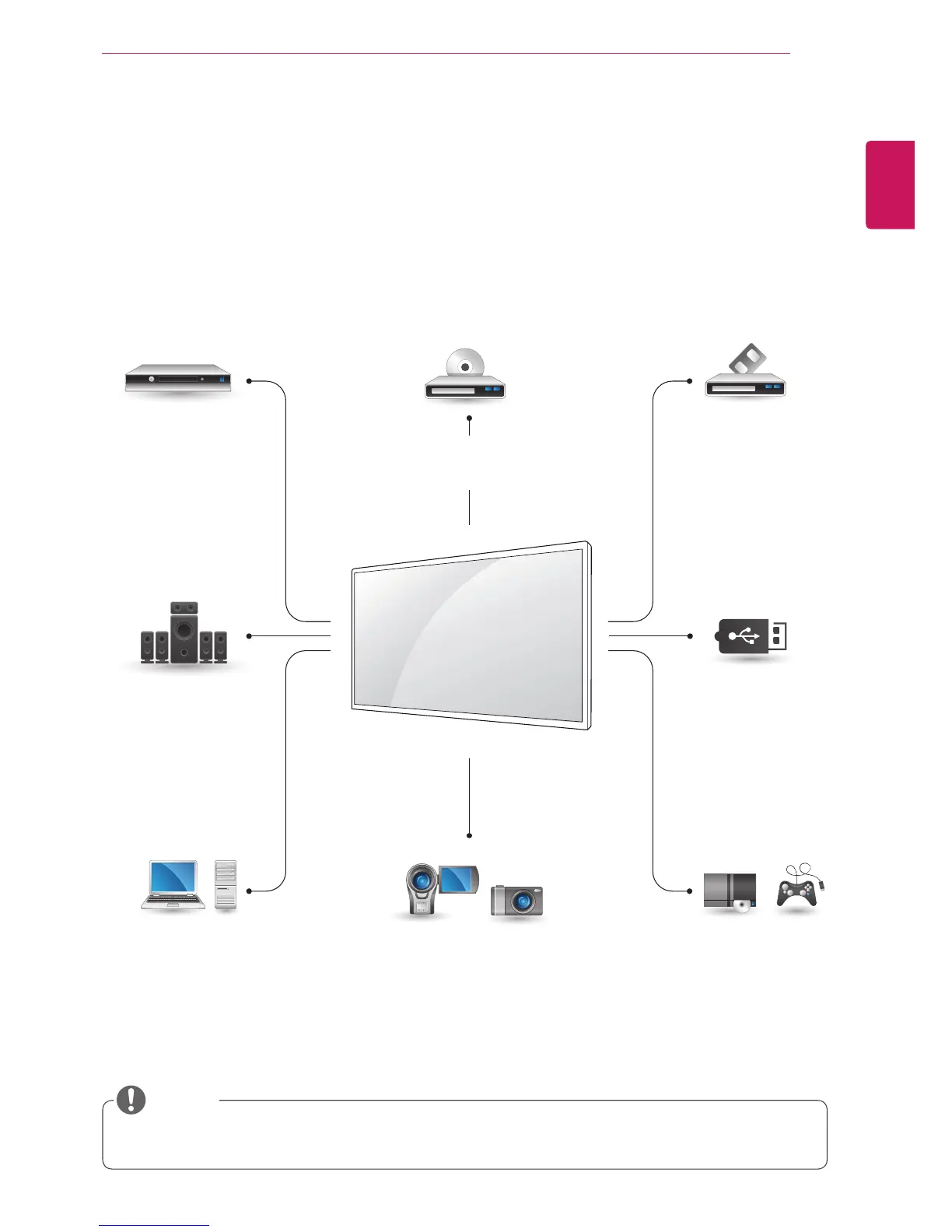
Connect various external devices to the ports on the Monitor’s back panel.
1
Find an external device you want to connect to your Monitor shown on the following illustration.
2
Check the connection type of the external device.
3
Go to the appropriate illustration and check the connection details.
y
If you connect a gaming device to the Monitor, use the cable supplied with the gaming device.
HD Receiver DVD VCR
USB
PC
Camcorder/Camera
Gaming device
Speaker
Memory storage
NOTE
HDMI
Component
AV(CVBS)
HDMI
Component
AV(CVBS)
AV(CVBS)
Component
RGB
DVI-D
HDMI
Display Port
LAN
HDMI
Component
AV(CVBS)
HDMI
Component
AV(CVBS)



 To Next Page