42
ENG
ENGLISH
CUSTOMIZING SETTINGS
CUSTOMIZING SETTINGS
Accessing Main Menus
1
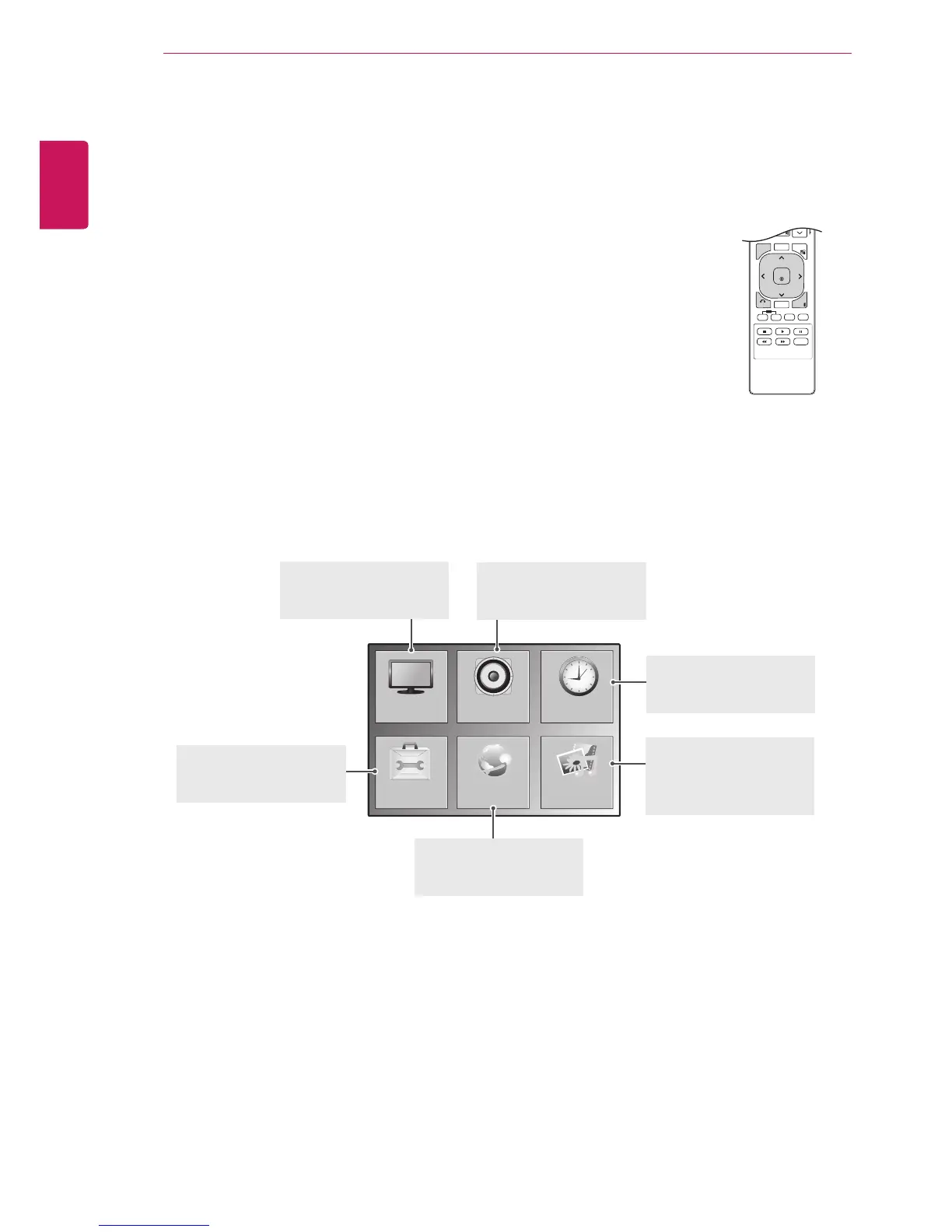
Press MENU to access the main menus.
2
Press the Navigation buttons to scroll to one of the following menus and
press OK.
3
Press the Navigation buttons to scroll to the setting or option you want
and press OK.
4
When you are finished, press EXIT.
When you return to the previous menu, press BACK.
P
A
G
E



 To Next Page