- 3 -
Functions
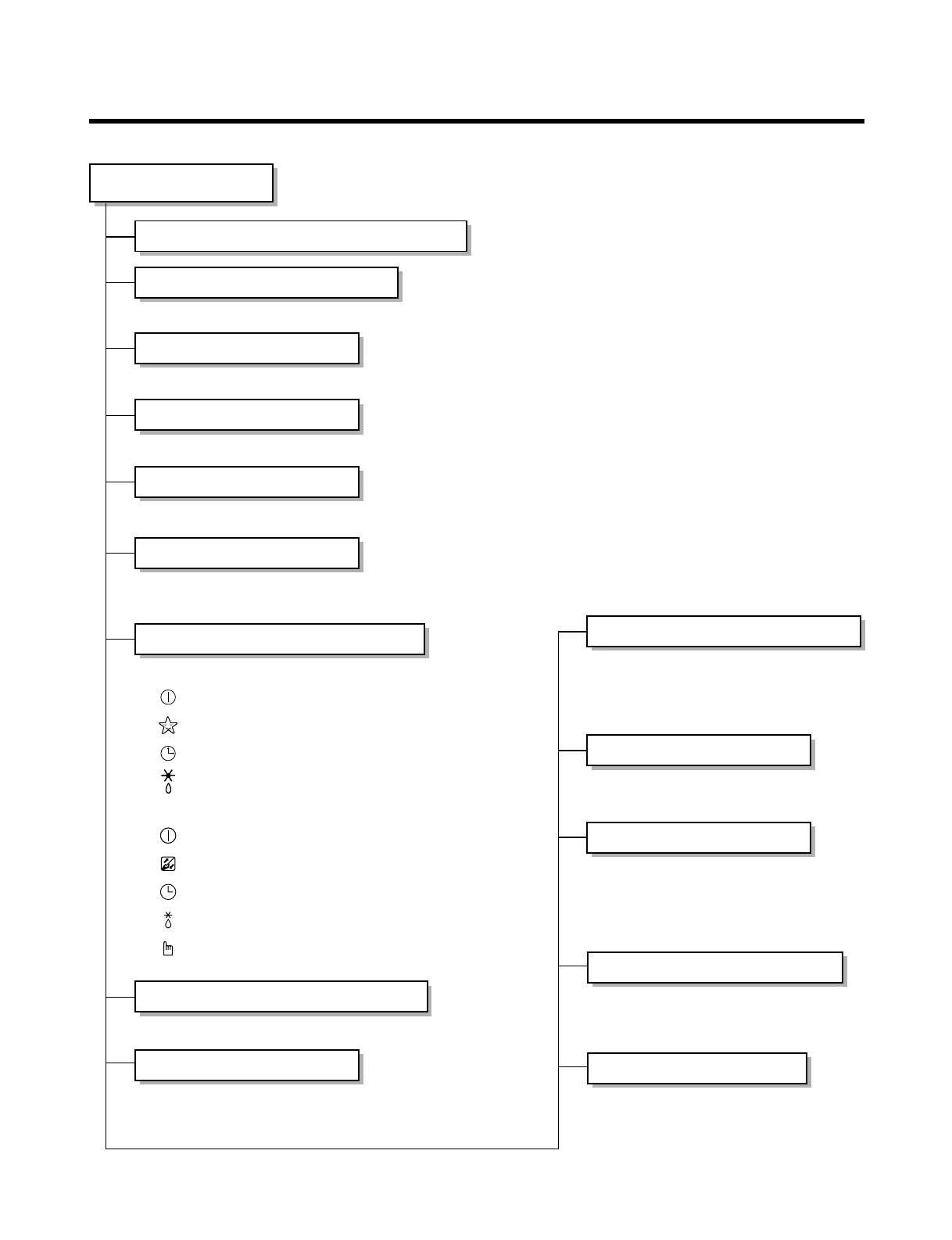
• Room temperature sensor. (THERMISTOR)
• Maintains the room temperature in accordance with the Setting Temp.
• Indoor fan is delayed for 5 seconds at the starting.
• Restarting is inhibited for approx. 3 minutes.
• Room/Art Cool/Convertible Type Indoor Unit: High, Med, Low, Chaos
• Cassette Type Indoor Unit: High, Mde, Low, Auto
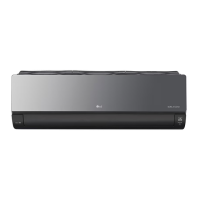
Indoor Unit
Operation ON/OFF by Remote controller
Sensing the Room Temperature
Room temperature control
Starting Current Control
Time Delay Safety Control
Indoor Fan Speed Control
Operation indication Lamps (LED)
Soft Dry Operation Mode
• Both the indoor and outdoor fan
stops during deicing.
• Hot start after deice ends.
• The indoor fan stops until the
evaporator piping temperature will be
reached at 28°C.
Sleep Mode Auto Control
Natural Air Control by CHAOS Logic
Airflow Direction Control
Deice (defrost) control (Heating)
• The fan is switched to intermittent or irreg-
ular operation
• The fan speed is automatically switched
from high to low speed.
• Room/Art Cool/Convertible type Indoor Unit
-- Lights up in operation
-- Lights up in Sleep Mode
-- Lights up in Timer Mode
-- Lights up in Deice Mode
• Cassette type Indoor Unit
-- Lights up in Operation
-- Lights up in Filter replacement
-- Lights up in Timer Mode
-- Lights up in Defrost Mode or Hot Start Operation.
-- Operation procedures when the remote control
can't be used.
• Intermittent operation of fan at low speed.
•
The fan is switched to low(Cooling), med(Heating) speed.
• The unit will be stopped after 1, 2, 3, 4, 5, 6, 7 hours.
• The louver can be set at the desired posi-
tion or swing up and down automatically.
•
The function will be operated while in any
operation mode with selecting the function.
• The function is to be stopped while it is
operating with selecting the function.
PLASMA
Hot-start Control (Heating)



 To Next Page