71
Control
Due to our policy of continuous product innovation, some specifications may change without notification.
©LG Electronics U.S.A., Inc., Englewood Cliffs, NJ. All rights reserved. “LG” is a registered trademark of LG Corp.
HMI SCREENS
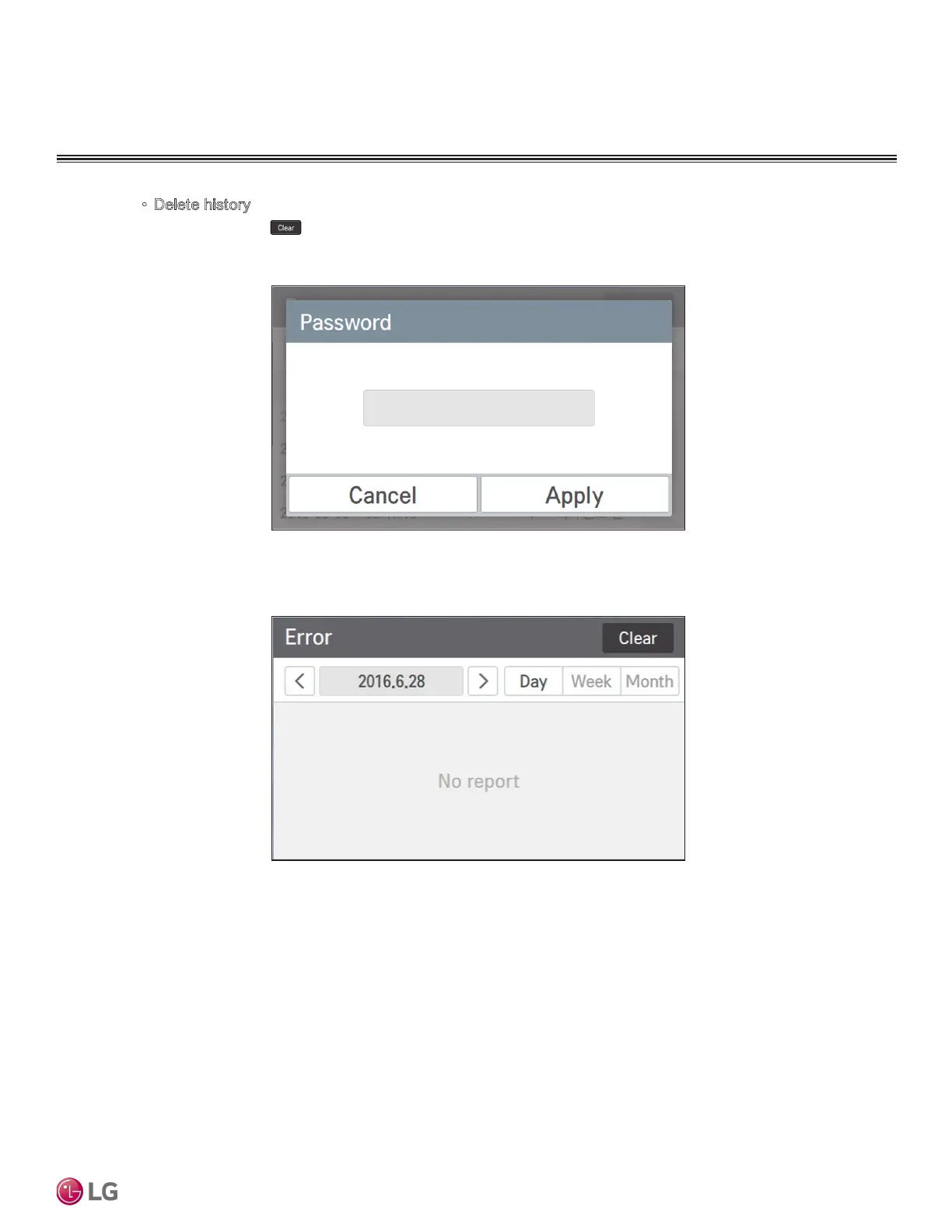
• Delete history
When you press button at the top right side of Error screen, a popup window to input
password is displayed.
Input the password, and when you press Apply button, all error histories will be deleted.
The clear function is for the service, and the password will not be provided to the customers.


 To Next Page