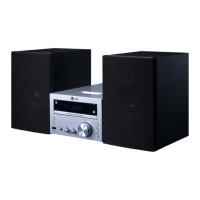
Getting Started10
Getting Started
1
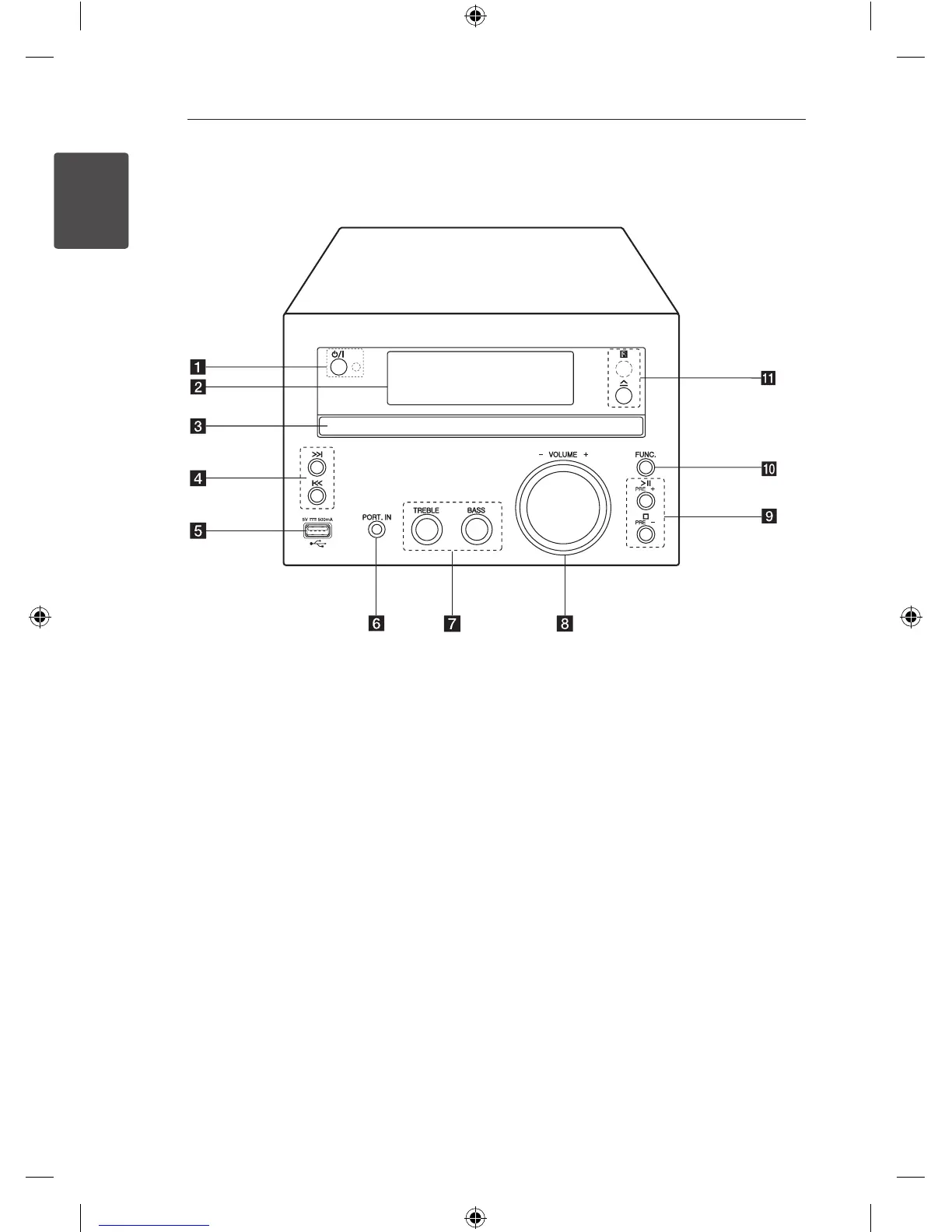
a 1
/
!
(Power ON/OFF)
Switches the unit ON or OFF.
LED Indicator
LED lights up in stand by mode.
b
Display window
c
Disc tray
Load a disc.
d Y/U
(Skip/Search)
- Searches backward or forward.
- Skips to the previous/next chapter/track/le.
- Tunes in the desired radio station.
e
USB Port
Plays the audio les by connecting the USB
device.
f
PORT. IN
Listens to music from your portable device.
g
TREBLE/BASS
Listens to the music with the desired sound
eect by adjusting treble and bass.
h
VOLUME-/+
Adjusts volume of speaker.
i T
Starts or pauses playback.
I
Stops playback.
PRE(+)/PRE(-)
Selects preset numbers.
j
FUNC.
Selects the function and input source.
k R
(Open/Close)
Opens and closes the disc tray.
R
Remote sensor
Front Panel


 To Next Page
 Loading...