EasyManua.ls Logo

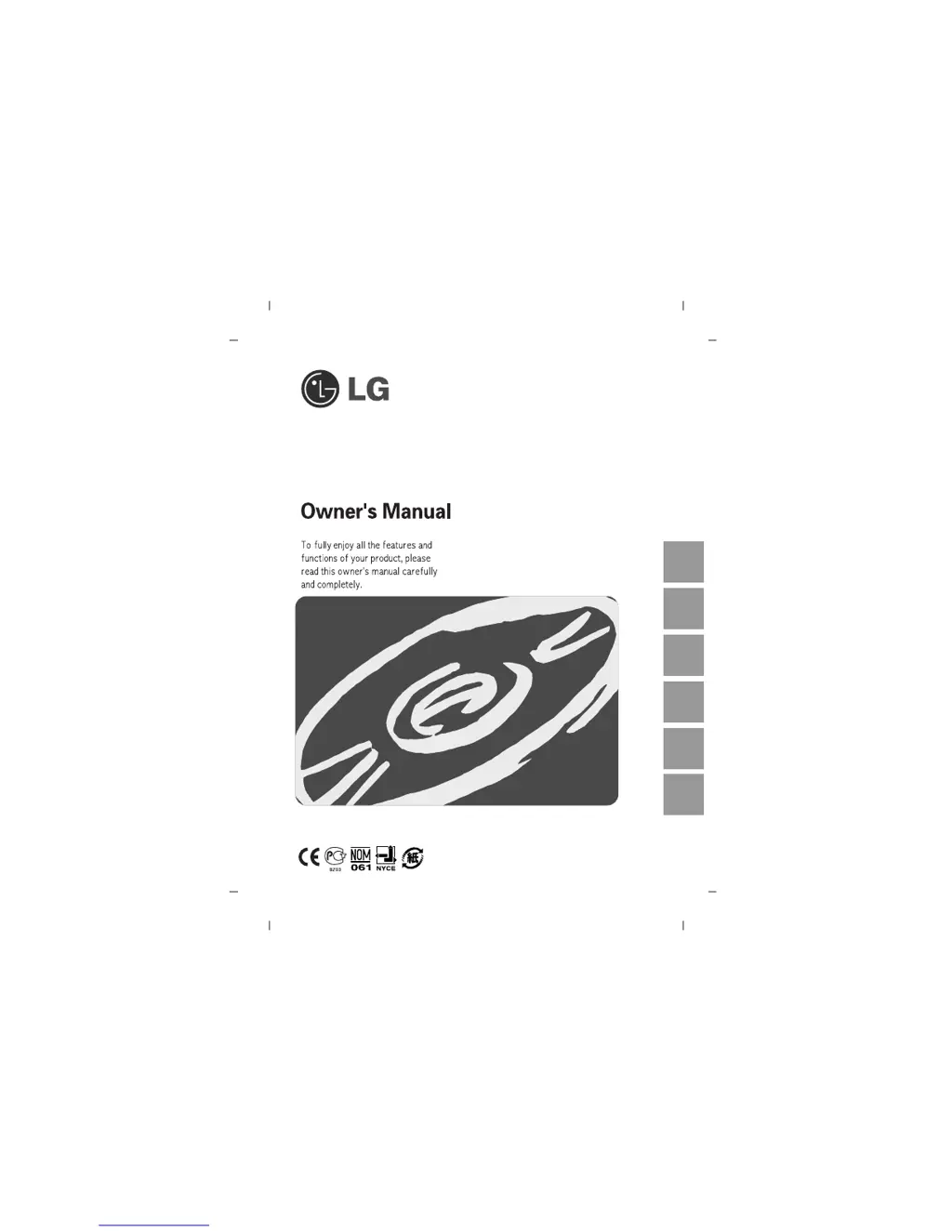
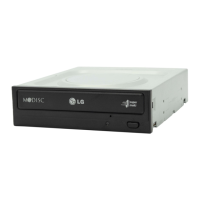
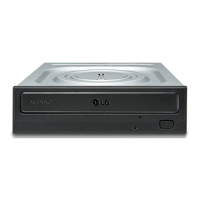
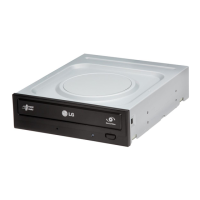
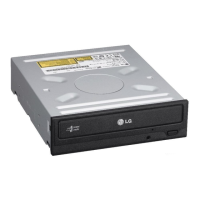
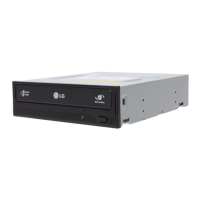
LG GH22NS40 - User Manual

LG GH22NS40
13 pages
Print Icon
To Next Page IconTo Next Page
Loading...
Super Multi DVD Rewriter
GH22
English
Deutsch
Français
Italiano Español
Português

Questions and Answers

  • S
    Sarah GlennAug 11, 2025
    What to do if my LG DVD Drive cannot read or write discs?
    • V
      Vanessa KirkAug 11, 2025
      If your LG DVD Drive is unable to read or write discs, consider the following: * Check the condition of your CPU, hard disc, and other system components. * Ensure the CD or DVD disc is clean and free of scratches. * Avoid running screen savers or other applications while writing to the disc. * Verify that there is sufficient free space on the CD, DVD, or DVD-RAM disc. * Check if writing fails even during a simulation test. * Make sure the disc is loaded correctly, with the label facing up. * Ensure the drive is installed in the correct orientation. * If the drive or disc has been moved from a cold to a warm environment, condensation might be present on the lens or disc surface.
  • M
    Melissa DouglasAug 20, 2025
    Why won't my LG GH22NS40 system start?
    • Y
      youngrobertAug 20, 2025
      If your system doesn't start with the LG DVD Drive installed, check the following: * Ensure that the power and SATA cables are correctly connected to the PC. * Verify that the total length of the SATA cable is 20 inches or less. * Confirm that each connector is completely attached. * Check for any other connections that may have been loosened during the drive installation.
  • K
    Kathy HernandezAug 29, 2025
    What to do if my LG GH22NS40 DVD Drive doesn’t have power?
    • M
      Mark ParkerAug 29, 2025
      If your LG DVD Drive is not receiving power, check the following: * Ensure the power supply cable from the host computer is plugged in. * Verify that the power connector to the drive is securely attached.

LG GH22NS40 Specifications

General IconGeneral
InterfaceSATA
Drive TypeDVD±RW
Max DVD Read Speed16x
Max DVD Write Speed22x
Max CD Read Speed48x
Max CD Write Speed48x
Buffer Size2 MB
Width146 mm
Depth170 mm
Write Speed (DVD±R)22x
Write Speed (DVD±R DL)8x
Rewrite Speed (CD)32x
Rewrite Speed (DVD-RW)6x
Rewrite Speed (DVD+RW)8x
Rewrite Speed (DVD-RAM)12x
TypeInternal
Weight0.7 kg

Related product manuals