24 OPERATION
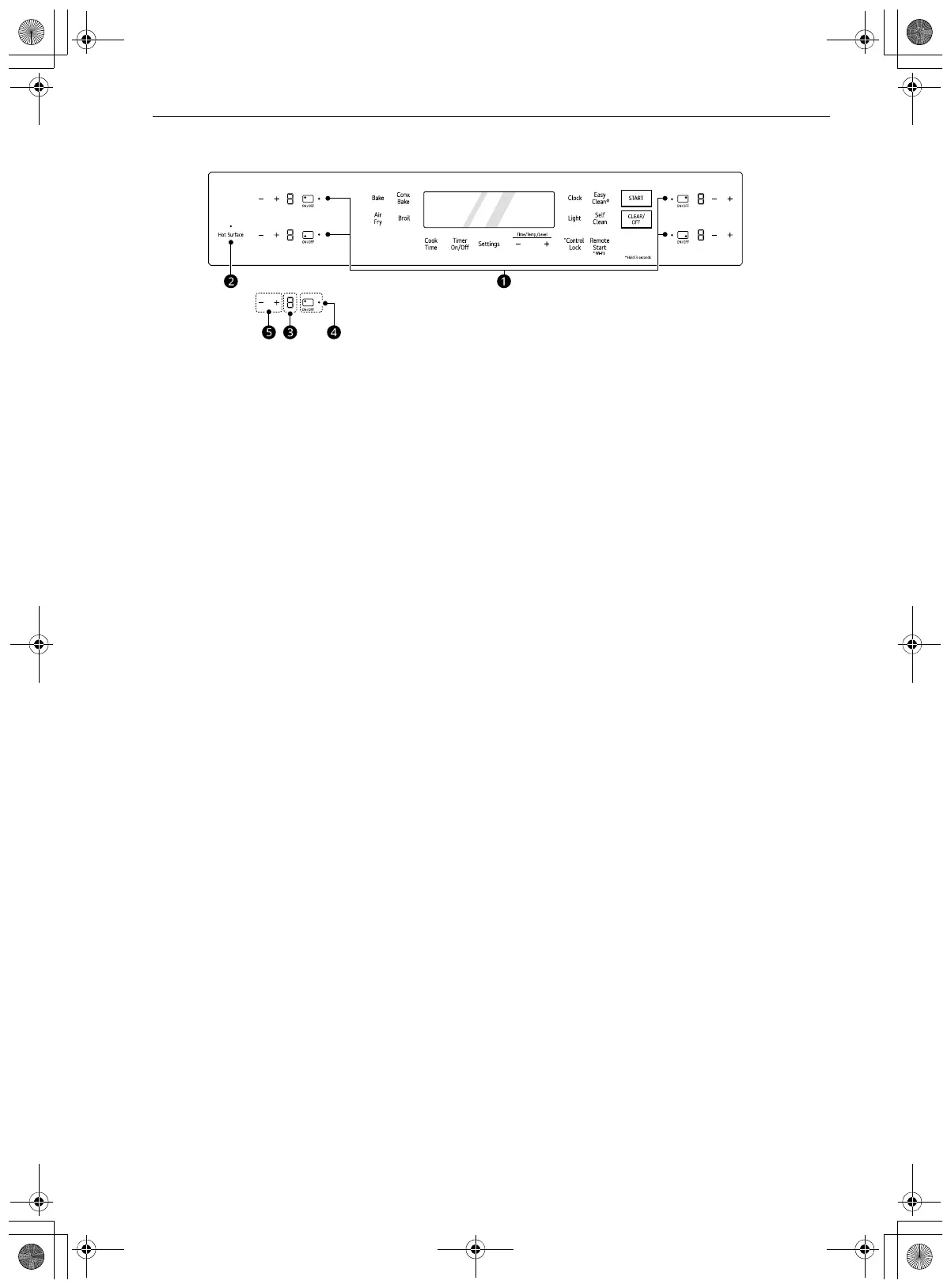
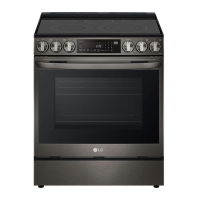
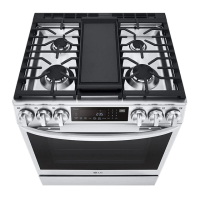
Cooktop Control Panel Features
a Burner On Indicator
b Hot Surface Indicator
c Power Level Indicator
d ON/OFF Button
Press the button to turn on the cooktop element. The icon indicates the position of the element on the
cooktop.
e +/- Buttons
•Press the plus (+) button to increase the element's power.
•Press the minus (-) button to decrease the element's power.
en-us_main.book.book Page 24 Wednesday, March 27, 2024 11:27 AM



 To Next Page