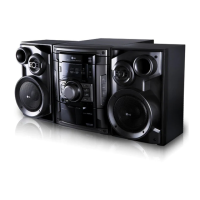
Before use
5
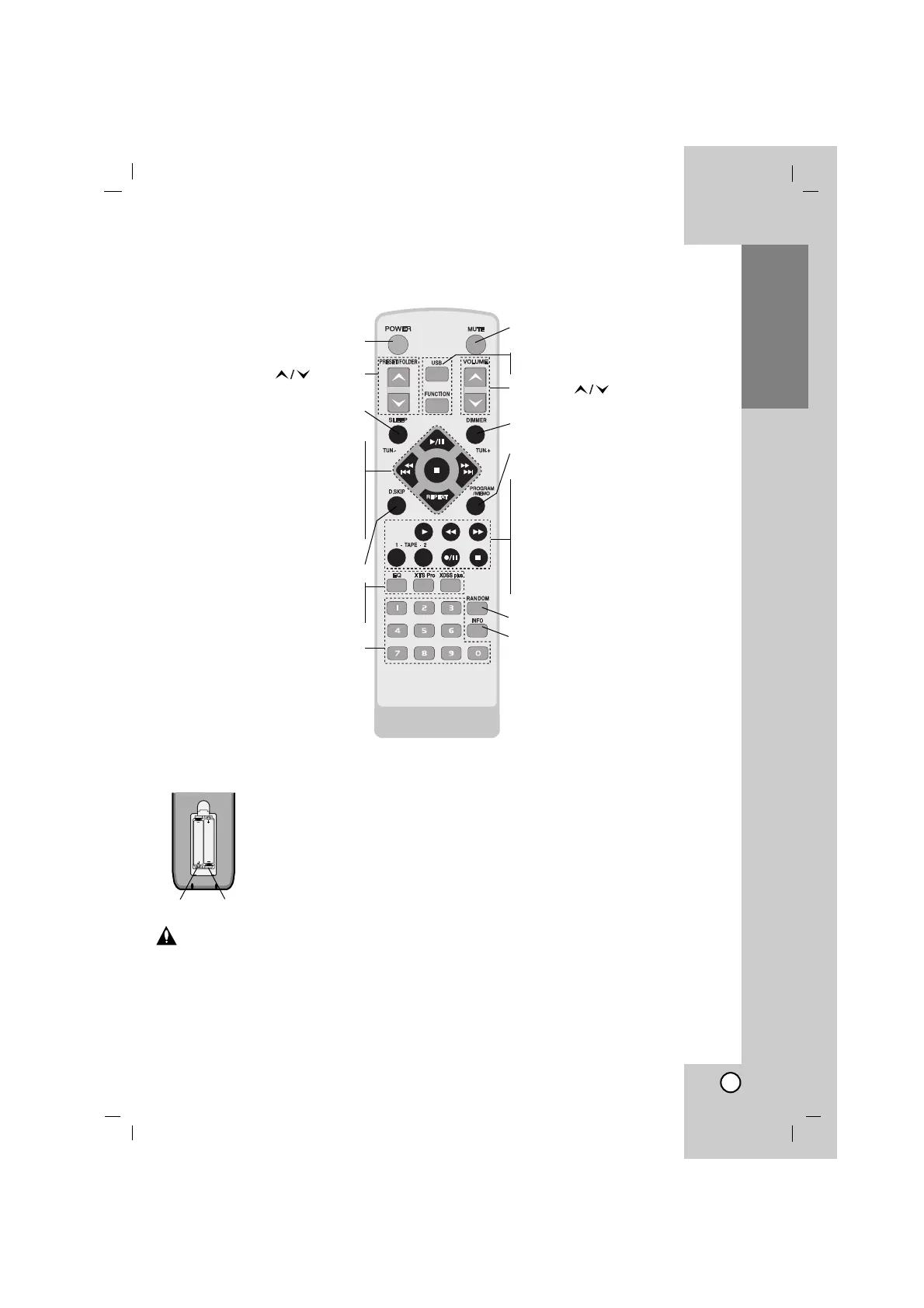
Remote Control battery installation
Detach the battery cover on
the rear of the remote control,
and insert two R03 (size AAA)
batteries with 3 and #
aligned correctly.
Caution
Do not mix old and new batteries. Never mix dif-
ferent types of batteries (standard, alkaline, etc.).
Remote Control Operation Range
Point the remote control at the remote sensor
and press the buttons.
• Distance : About 23 ft (7 m) from the front of
the remote sensor.
• Angle : About 30° in each direction of the
front of the remote sensor.
Remote Control
3#
POWER button
PRESET/FOLDER( ) buttons
SLEEP button
CD FUNCTION buttons
PLAY/PAUSE (
BB
/
[]
) button •
CD STOP(
x
) button •
CD SKIP/SEARCH •
(.
bbbb
/
BBBB
>) buttons
TUN.(-/+) buttons •
REPEAT button •
D.SKIP button
EQ button •
XTS Pro button •
XDSS plus button •
NUMERIC buttons
MUTE button
• USB (OPTIONAL) button
• FUNCTION button
VOLUME ( ) buttons
DIMMER button
PROGRAM/MEMO button
TAPE FUNCTION buttons
• FORWARD PLAY (
BB
) button
• FAST REWIND PLAY (
bbbb
) button
• FAST FORWARD PLAY (
BBBB
) button
• TAPE-1/2 SELECT buttons
• RECORD/RECORD PAUSE (z/
[]
)
button
• TAPE STOP (
x
) button
RANDOM button
INFO (MP3/WMA file information
display) button



 To Next Page