4
g Connecting the product to your smartphone via Bluetooth ([
See “Connecting via Bluetooth” on page 42.)
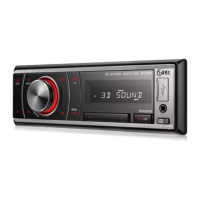
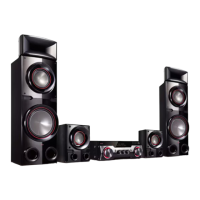
A Press the Power button to turn on the receiver.
B Tap the Settings
button on your smartphone and select Bluetooth. Turn on the Bluetooth function.
( Off > On)
C Press the Bluetooth pair
button on the remote control. After a moment, you will see “BT READY” on the
status display.
D Find and tap the product on your smartphone. The product appears as “LG-MR11(XX).”
E When the product is connected to your smartphone via Bluetooth, you can see the status display change
from “PAIRED” [ “Connected Bluetooth device name” [ “BT”.
h Connecting to the LG XBOOM app ([ See “Installing app” on
page 53.)
A Find the LG XBOOM app on the Google Play or App Store and install it on your smartphone.
B Run the LG XBOOM app and use more features.


 To Next Page