Getting Started 11
Getting Started
1
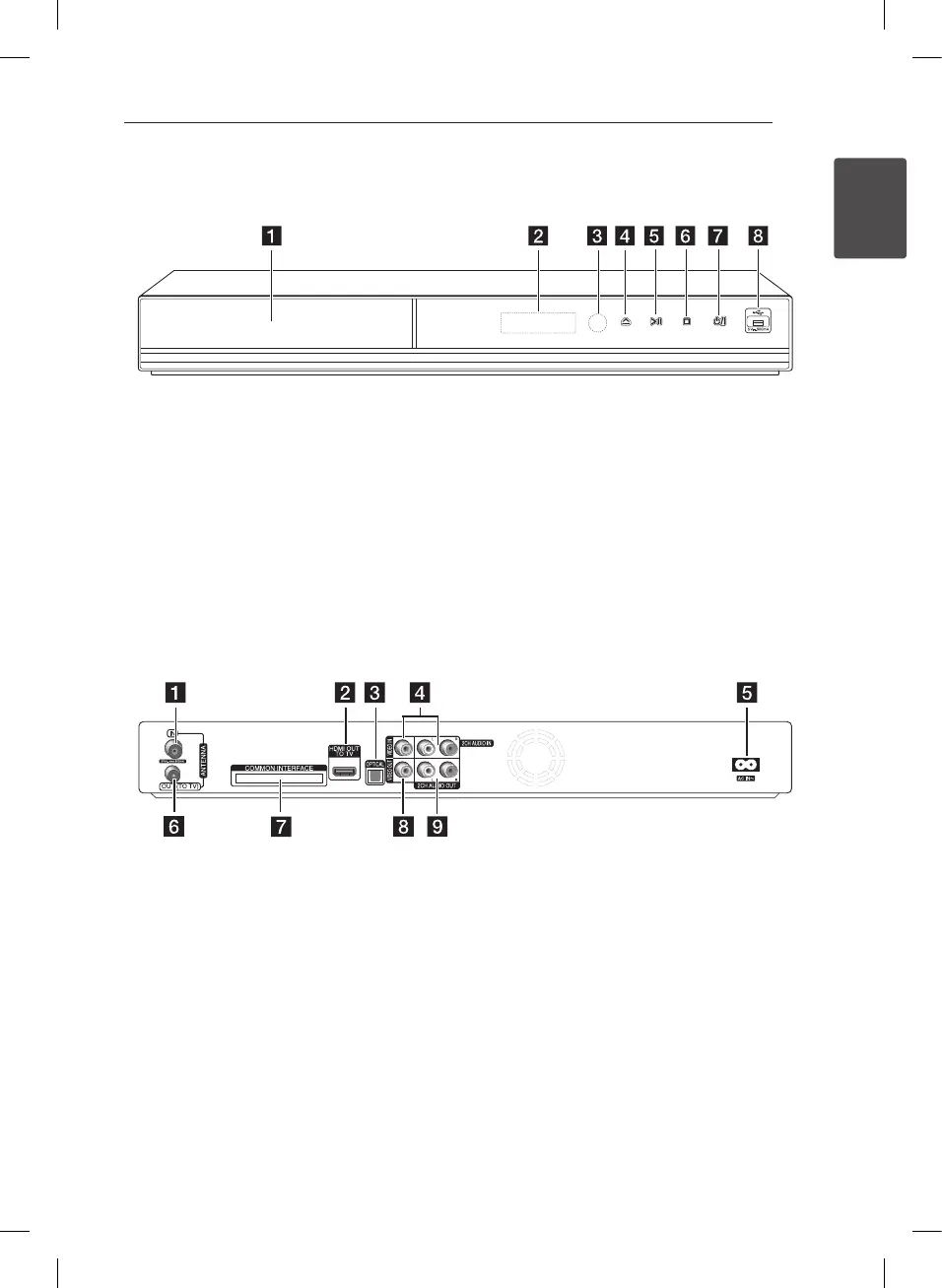
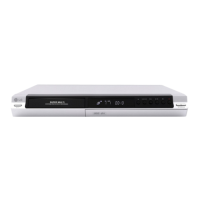
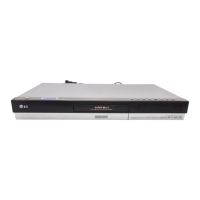
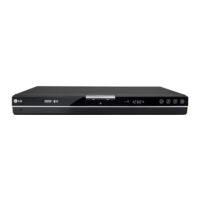
Main Unit
a
Disc Tray
b
Display window
c
Remote Sensor
d
R
(Open/Close)
e
T
(Play/Pause)
f
I
(Stop)
g 1
/I (Power)
h
USB Port
a
ANTENNA IN
b
HDMI OUT (TO TV)
c
OPTICAL (DIGITAL AUDIO OUT)
d
VIDEO IN/2CH AUDIO IN (Left/Right)
Connect the audio/video output of an external
source.
e
AC IN connector
Connect the supplied power cord.
f
ANTENNA OUT (TO TV)
g
COMMON INTERFACE
Slot for external Conditional Access (CA)-
module and smart card used to decode
scrambled channels. This device works with CI
or CI+ CAM.
h
VIDEO OUT
i
2CH AUDIO OUT (Left/Right)


 To Next Page