Operating16
Operating
3
General Playback
Playing a disc
DVD
AVCHD
ACD
1. Press
B
(OPEN/CLOSE), and place a disc on the
disc tray.
2. Press
B
(OPEN/CLOSE) to close the disc tray.
For most Audio CD, DVD, AVCHD and DVD-ROM
discs, playback starts automatically.
3. Press HOME (
n
).
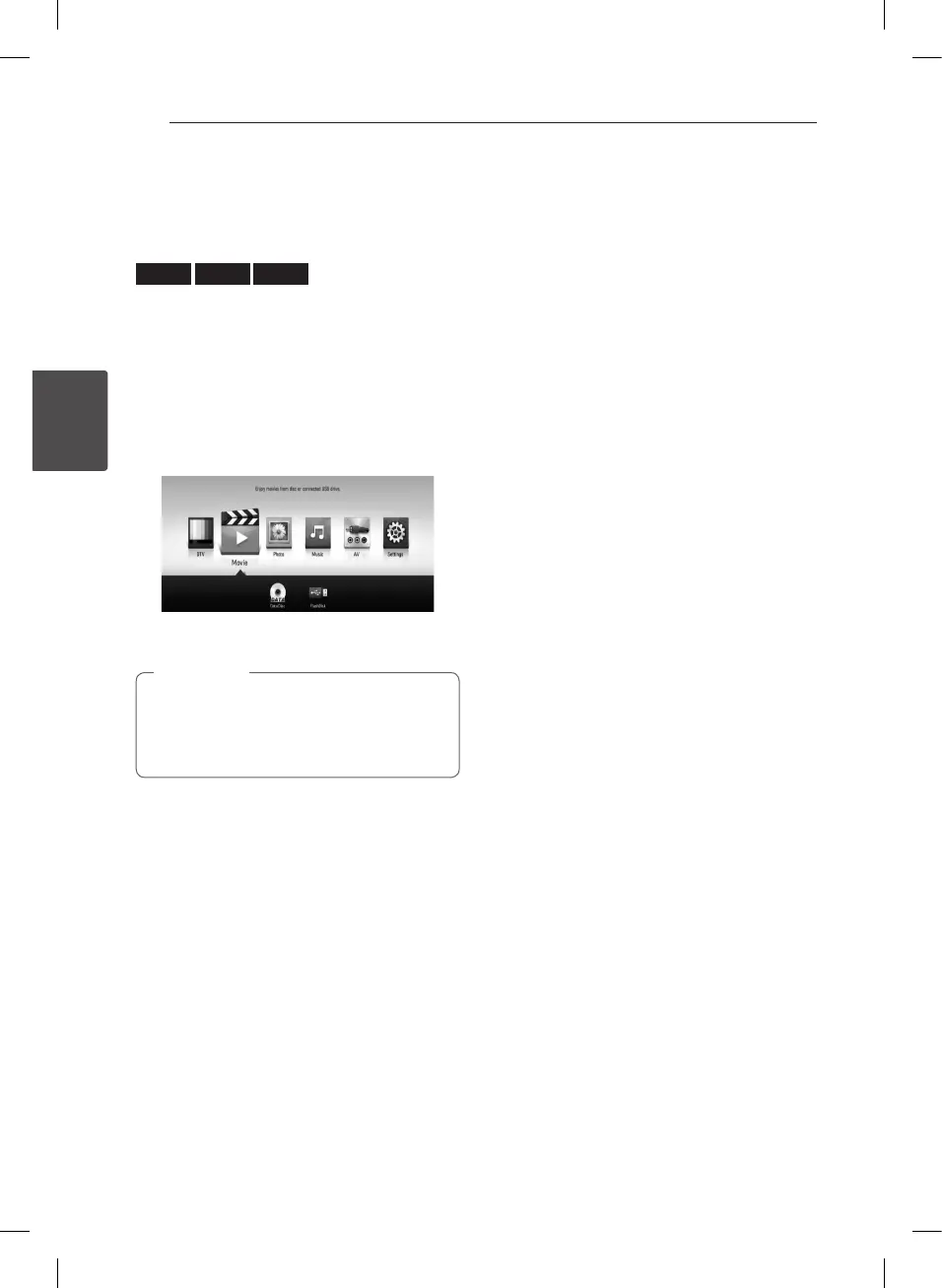
4. Select [Movie], [Photo] or [Music] using
a/d
,
and press ENTER (
b
).
5. Select the disc icon using
a/d
, and press
ENTER (
b
).
Playback functions described in this manual
are not always available in every les and
media. Some functions can be restricted
depending on many factors.
,
Note
To stop playback
Press
Z
(STOP) during playback.
To pause playback
Press
M
(PAUSE) during playback.
Press
z
(PLAY) to resume playback.
To scan forward or backward
Press
c
or
v
to play fast forward or fast reverse
during playback.
You can change the various playback speeds by
pressing
c
or
v
repeatedly.
To slow down the playing speed
While the playback is paused, press
v
to play at
slow motion.
To skip to the next/previous
chapter/track/file
During playback, press
C
or
V
to go to the
next chapter/track/le or to return to the beginning
of the current chapter/track/le.
Press
C
twice briey to step back to the previous
chapter/track/le.
In case of movie le, press
C
one time. You can
play previous le.


 To Next Page