Troubleshooting22
Troubleshooting
4
Troubleshooting
General
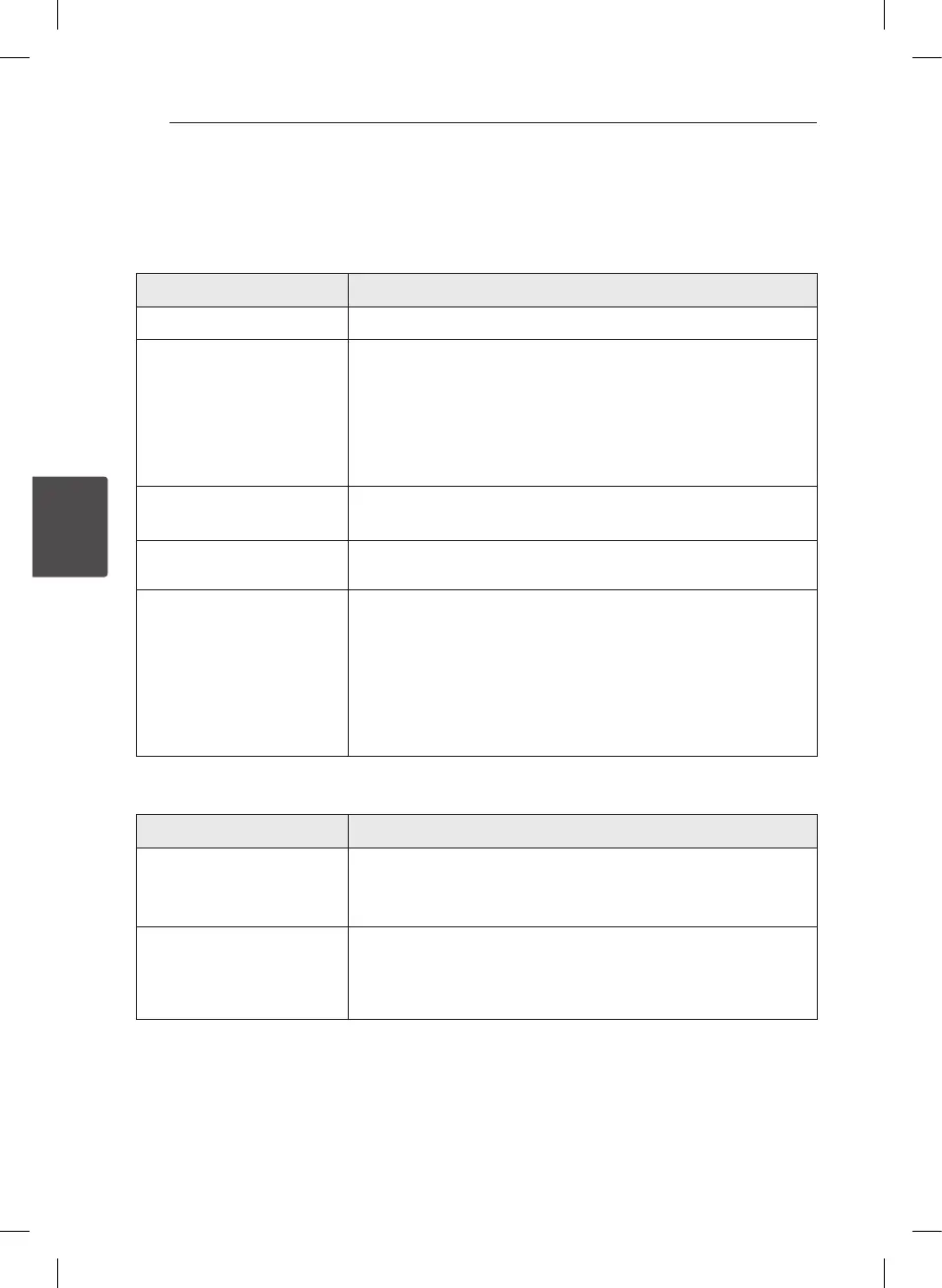
Symptom Cause & Solution
The Power does not turn on.
y
Plug the power cord into the wall outlet securely.
The unit does not start
playback.
y
Insert a playable disc. (Check the disc type, color system, and regional
code.)
y
Place the disc with the playback side down.
y
Place the disc on the disc tray correctly inside the guide.
y
Clean the disc.
y
Cancel the Rating function or change the rating level.
The angle cannot be changed.
y
Multi-angles are not recorded on the DVD Video being played.
y
The angle cannot be changed for the titles recorded on this unit.
The channel is not found or
stored.
y
Check your antenna connection.
The remote control does not
work properly.
y
The remote control is not pointed at the remote sensor of the unit.
y
The remote control is too far from the unit.
y
There is an obstacle in the path between the remote control and the
unit.
y
The battery in the remote control are exhausted.
y
The remote’s manufacturer code returned to the default setting when
you replaced the battery. Reset the code.
Resetting the unit
Symptom Cause & Solution
If you observe any of the
following symptoms.
y
The unit is plugged in, but the power will not turn on or o.
y
The front panel display is not working.
y
The unit is not operating normally.
You can reset the unit as
follows.
y
Press and hold the POWER (
1
/I ) button for at least ve seconds. This
will force the unit to power o then turn the unit back on.
y
Unplug the power cord, wait at least ve seconds, and then plug it in
again.


 To Next Page