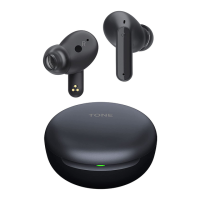
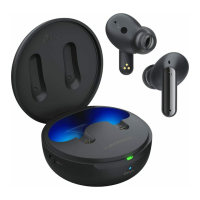
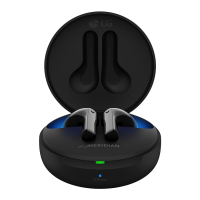
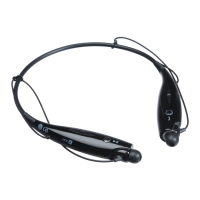
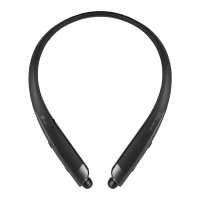
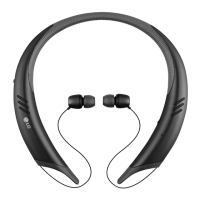
HBS-A100 Pairing and Connecting
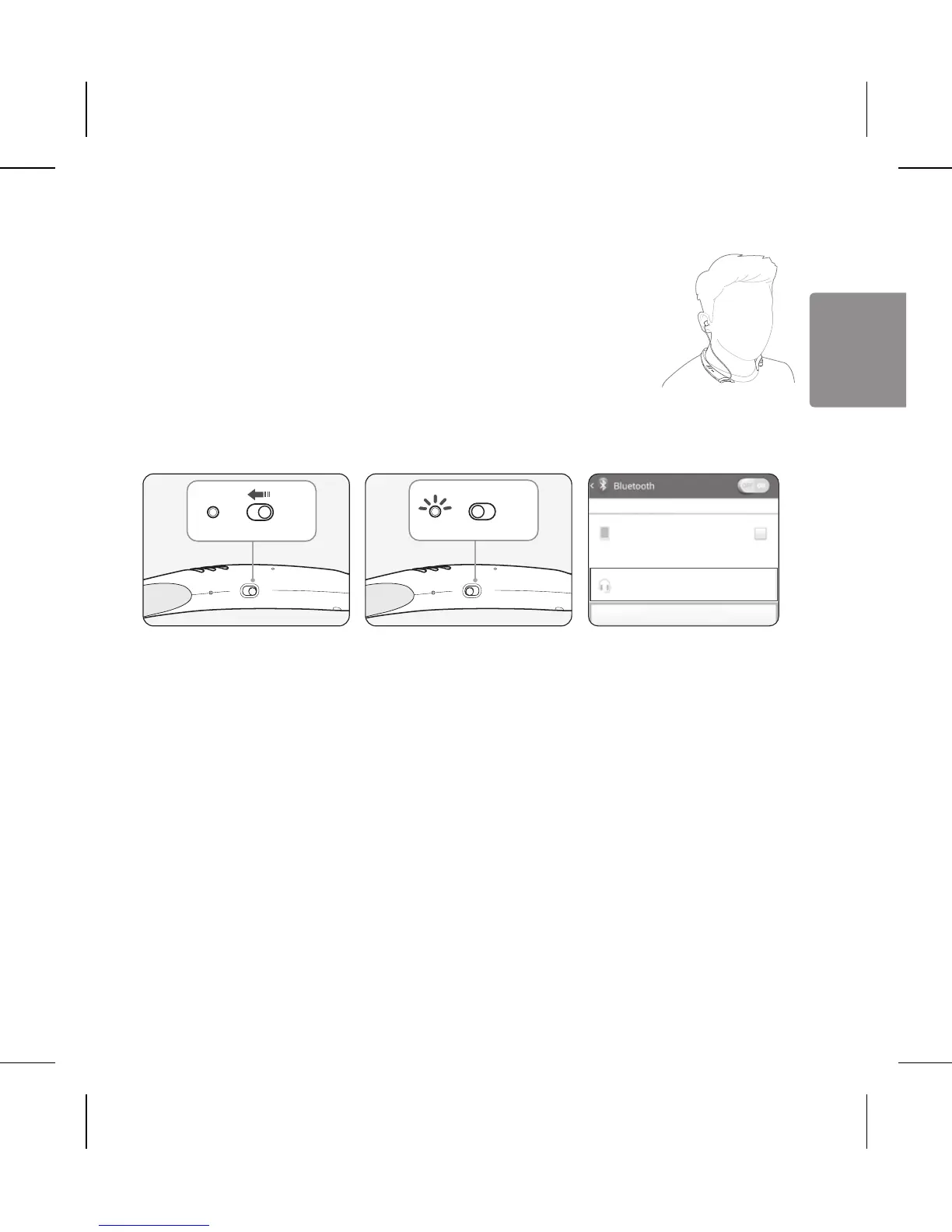
If you start the process after putting in your earbuds, you can easily pair and
connect following the voice prompts.
If you hear that the battery is insufcient, recharge the battery before
proceeding with pairing.
If pairing is not completed within 3 minutes, the power automatically turns off.
When the power automatically turns off, slide the Power switch from the OFF
to the ON position to turn the power on.
Connecting Quickly
1 Slide the Power switch toward the ON position to turn on the power.
2 The blue Indicator lamp turns on and the HBS-A100 switches to Search mode.
3 From the mobile phone or device list, select LG HBSA100 to connect.
4 A voice message will indicate that the connection is completed.
5 Use the same process to pair the HBS-A100 with other devices.
Connecting Manually
1 Press and hold the Call button and slide the Power switch to the ON position to turn it on.
2 The blue Indicator lamp turns on and the HBS-A100 switches to Search mode.
3 Select LG HBSA100 from the device list to connect.
Replacing the Stabilizer Tips
You can replace the current stabilizer tips with the extra pair if they do not t by:
Removing the stabilizer tips
Replacing the stabilizer tips
Battery Charging and Alerts
Open the Charging port cover and connect the charger to the Charging
port.
Indicator Lamp Red Purple Blue
Battery Status Charging 80% Completed
Press and hold the Volume (-) button for 1 second to check the battery level using voice prompts and the
indicator lamp.
Battery Status Sufcient Normal Insufcient
Indicator Lamp Blue ashes three times Purple ashes three times Red ashes three times


 To Next Page