Recovery + Fitness Collection 9 8 Waver Mini Press User Manual Lifepro
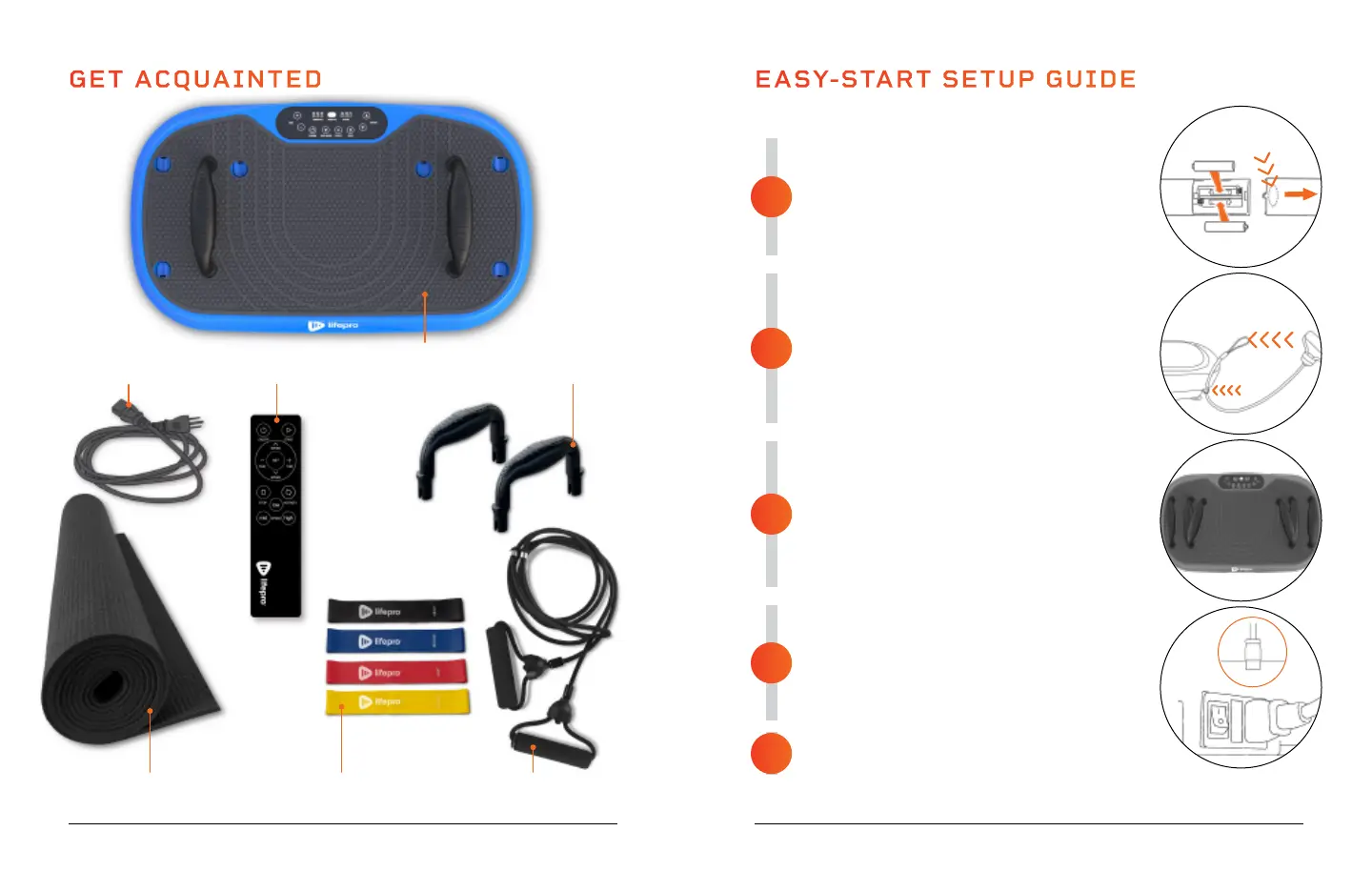
ACTIVATE THE REMOTE CONTROL
• Press and slide to remove the back of the remote.
• Insert two AAA batteries into the battery
compartment. Battery terminals are polarized,
so make sure to insert the batteries facing the
correct direction.
• Replace the back of the remote control.
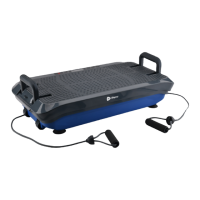
ATTACH THE TWO RESISTANCE BANDS
The resistance bands let you incorporate strength
training into your workout.
• Loop the end of a resistance band through one of
the metal rings under the front edge of the unit.
• Thread the resistance band handle through the loop
and pull tight.
• Attach the second resistance band to the metal ring
on the opposite side in the same manner.
INSTALL THE PUSH-UP HANDLES
Doing push ups directly on the vibration plate can
cause pain and undue pressure on your wrists. Use the
push-up handles to keep your wrists straight while
doing push-up training and prevent wrist strain.
• Insert the two handles into any of the three
available sets of holes along the surface of unit.
• Wider handle positions target your chest muscles;
narrower handle positions target your triceps.
CONNECT TO POWER
• Insert the power cord firmly into the power cord jack
at the front of the unit.
NOTE: Press forcefully until you feel a click, which
indicates that the cord is securely connected. Power
cord fits tightly so it will not loosen during use.
• Plug the power cord into an AC outlet.
POWER ON THE WAVER MINI PRESS
• Flip the Power switch to the ON position.
EASY-START SETUP GUIDE
Setup your Waver Mini Press in just five easy steps:
3
5
4
2
1
GET ACQUAINTED
4 Mini
Bands
2 Resistance
Bands
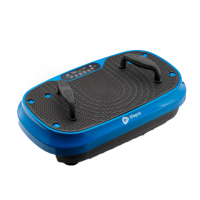
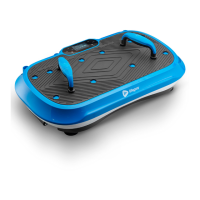
Lifepro Waver
Mini Press
Vibration Plate
Exercise Mat
Remote
Control
Power
Cord
2 Push Up
Handles
Your Waver Mini Press is now ready to use. See OPERATING INSTRUCTIONS and CREATING
A WORKOUT on the next pages for details on how to use the Waver Mini Press.
Press and Slide
1 2 3 3 2 1







 To Next Page