11
1. Overview 2. Setup & Use
3. Optional
Accessories
4. Troubleshooting
5. Warranty, Safety
& Specifications
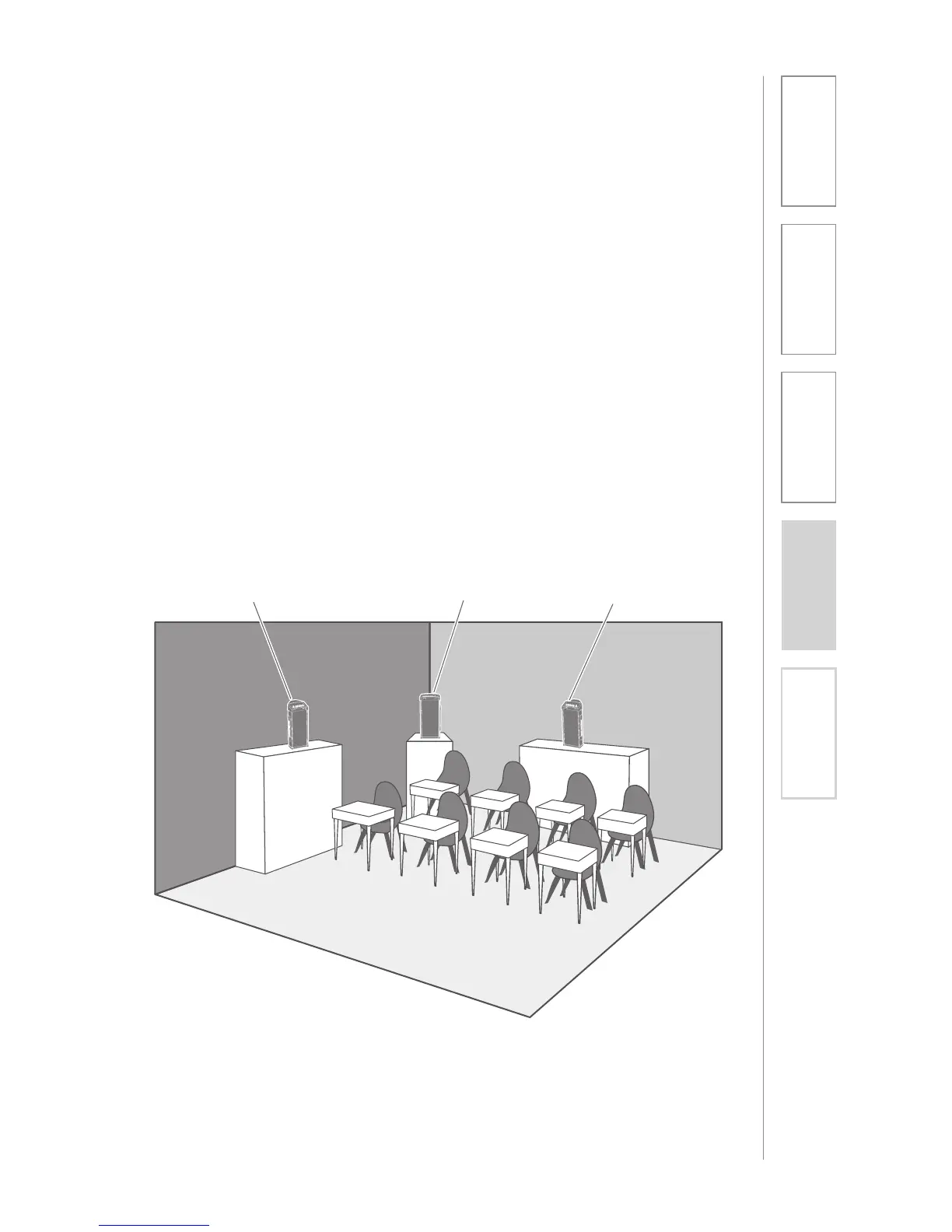
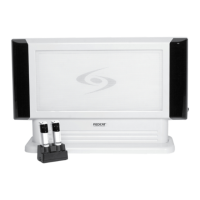
The 705iR has a built-in speaker, which should be directed toward the area of the
classroom where the students are sitting. The unit can be placed on a table top
or bookshelf at a height of 36 to 60 inches.
The ideal position in the classroom is centered along the longest wall. However,
due to different classroom setups, this is not always possible. Here is a quick
guide to choosing a location:
• BEST: Centered on the longest wall.
• GOOD: Centered on the short wall.
• OKAY: In a corner.
• AVOID: Placing the unit directly in front of a window.
SECTION 2:
SET-UP & USE
1. POSITIONING THE 705iR


 To Next Page