14
10.5 Laboratory mode
In laboratory mode, the test is carried out without automatic adjustment of the test pressure and without a time limit.
This mode allows the test to be shortened considerably, and is particularly suitable for taking rough measurements.
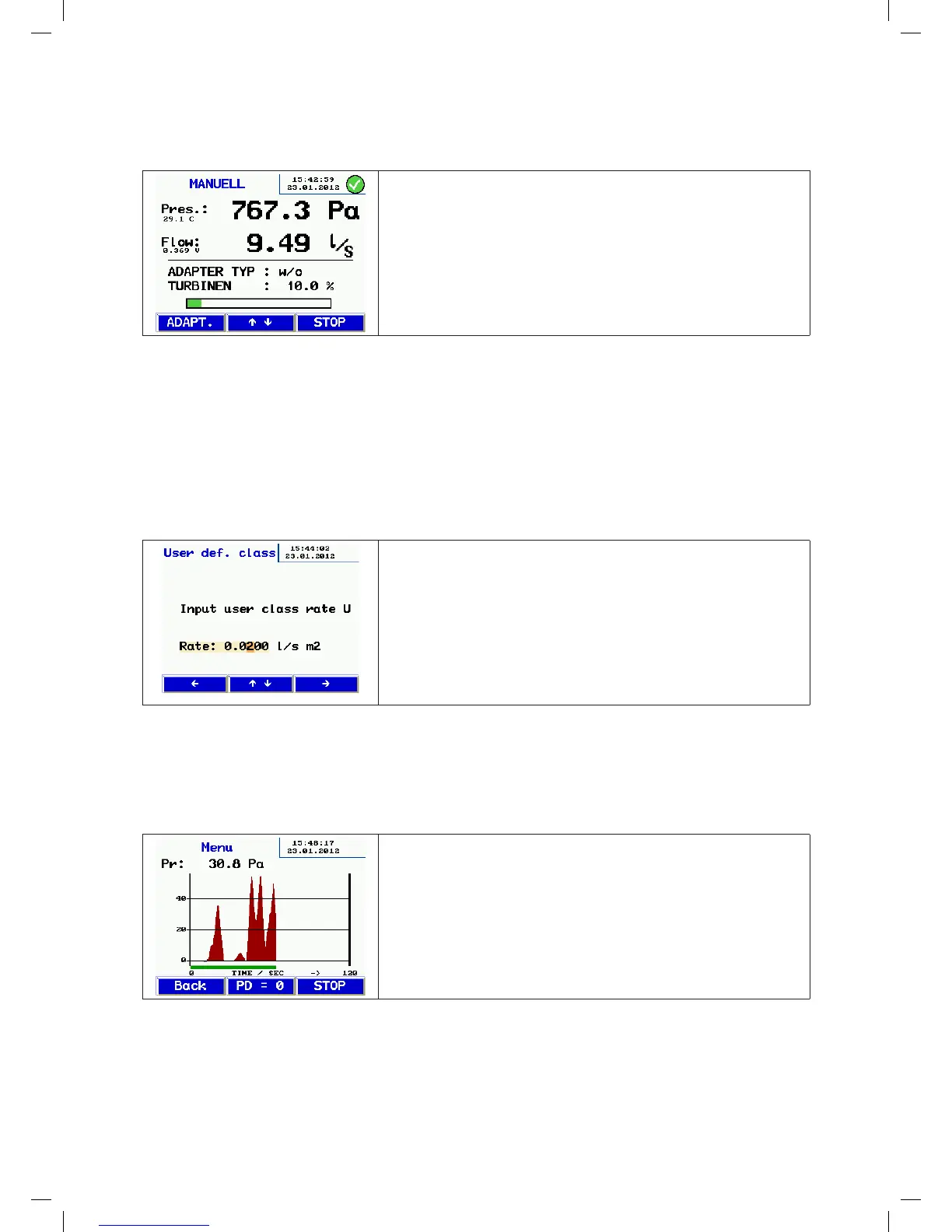
• After the self test, this screen appears.
• You can press the and keys to configure the pressure and flow rate
manually.
• You can change the adapter during the test – turn down the fan, change
the adapter and press the ADPT key to change the setting.
• Press Stop to end the test. Continue as described above.
10.6 Custom airtightness class
A custom leakage flow rate U can be selected in the start screen in addition to the standardised airtightness classifi-
cations. This means the tests can be performed in other applications that use different classifications, for example in
power plants.
U only appears when the airtightness classes are selected if the value ≠0 is defined.
The standardised air leakage classes are:
A 27 l/s m²
B 9 l/s m²
C 3 l/s m²
D 1 l/s m²
• Press the or key to move to the letter/digit you want to change.
• You can use the and keys to enter a custom leakage flow rate.
• Save the value you entered by pressing the key.
• Alternatively, press the key to exit.
10.7 Differential pressure
In the idle state after it is switched on, the LT 600 can be used as a differential pressure measuring instrument in order
to monitor a pressure curve over time.
The scale is self-scaling, showing a 120 s block that is continuously updated, overwriting the old test curve.
In this mode, you can use the "-" pressure connection (3) if you want to measure the differential pressure between two
test connections rather than using atmospheric pressure. (E.g. for iris diaphragms, filter pressure drops, etc.)
• Press the PD = 0 key to reset the display.
• Press the Back key to return to the menu.
• Press the Stop key to end the test. You can then press Print to print the
graph on the TD 600.
manual-LTEST-1082_EN-DE-FR-SE.indd 14 2012-03-28 12:32:40


 To Next Page
 Loading...