LT360 Precision Turntable
User Manual
LT360 Precision Turntable
User Manual
10
Chapter 9: Specifications 79
9.1 Mechanical Specifications ........................................ 79
9.2 Electrical Specifications .............................................. 81
9.3 Calibration Certificate ................................................. 83
Contents
79
■ Update
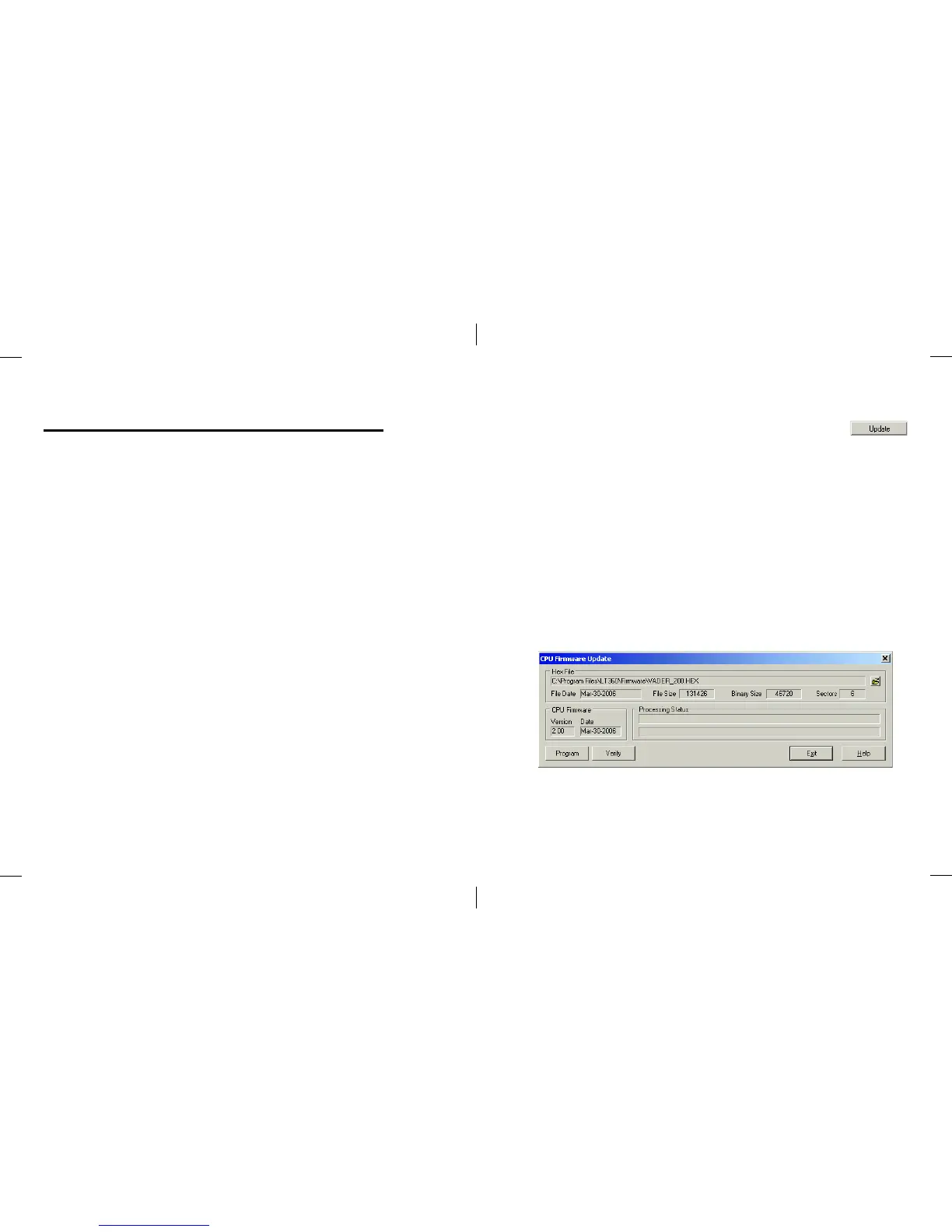
Clicking this button will open the Update dialog as shown
below. This function will update the firmware for the main 32 bit CPU in
the LT360. The Flash memory will be reprogrammed.
Firmware updates are provided as Hex files with a name such as
Vader_200.hex. If you are provided an update, first locate the file with the
folder Browse button. They will be located in the C:\Program
Files\LT360\Firmware folder. Then click the Program button. Read and
follow the dialog messages that appear.
When the update is completed, the LT360 will reboot and the software
program will close.



 To Next Page