LKR-604
2
WAN
The LED lights up a solid green when the WAN port is connected to a
Cable/DSL Modem successfully. If the LED is flashing, the WAN port
is sending or receiving data from the Cable/DSL modem.
LAN (Link/ACT)
The LED lights up a solid green when the port is connected to a
100Mbps Fast Ethernet device. If the LED is flashing, the port is
sending or receiving data over the network.
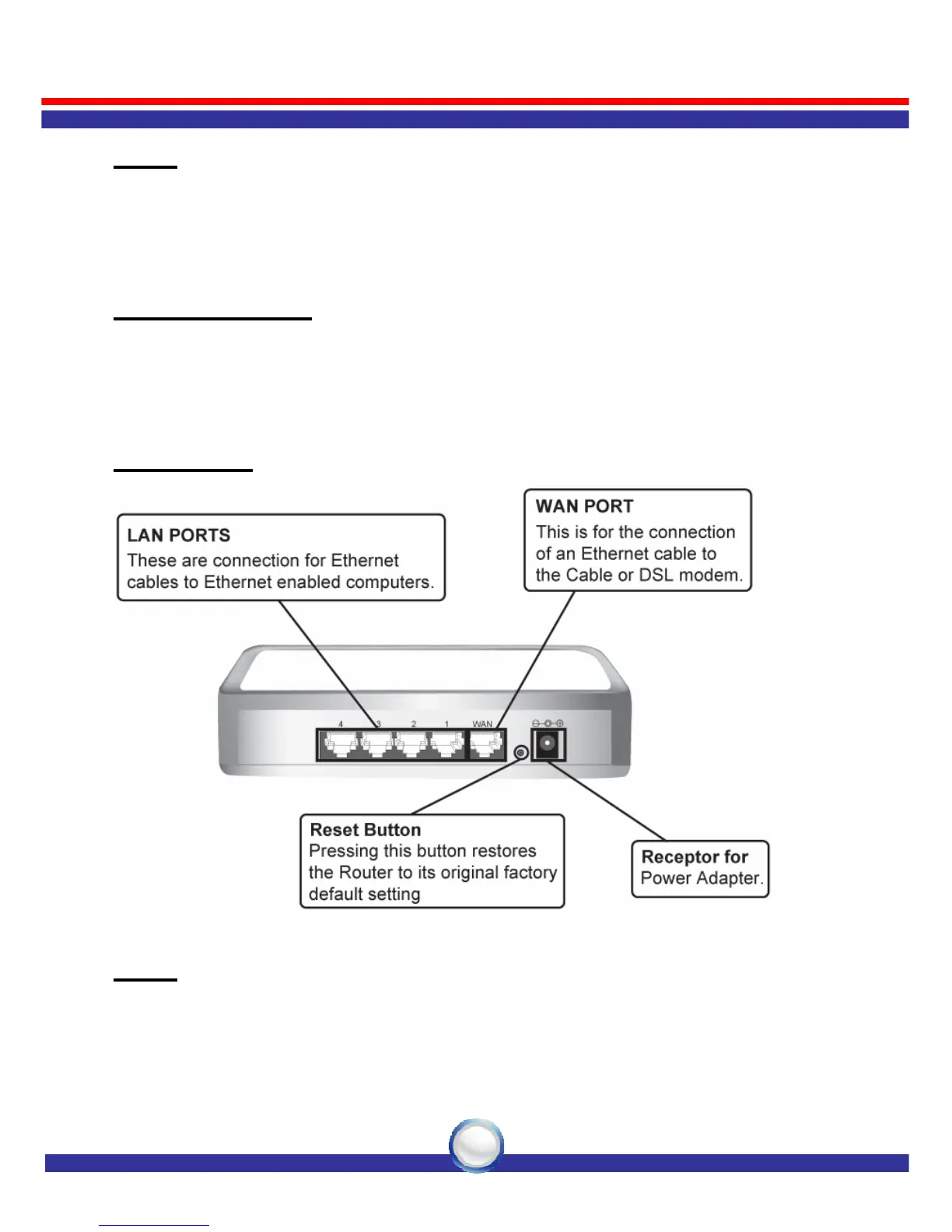
Rear Panel
WAN
One RJ-45 10/100Mbps Auto-MDIX WAN port for connecting to your
Cable/DSL Modem.



 To Next Page