LKR-604
22
Firmware Upgrade
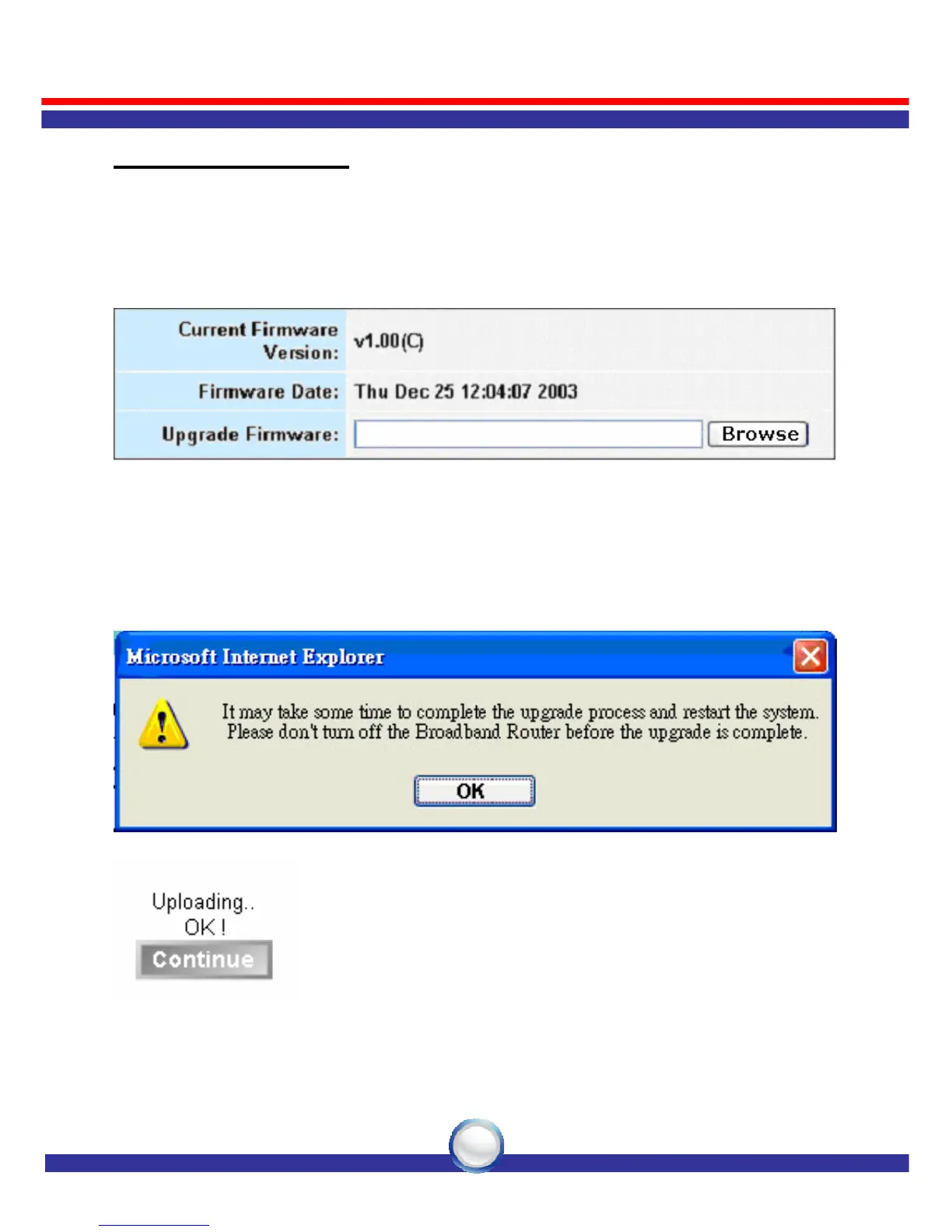
Upgrading firmware for the LKR-604 Broadband Router improves
functionality and performance. Specify the path and name of the
upgrade file then click the “APPLY” button. You will be prompted to
confirm the upgrade.
While upgrading the firmware, please wait after pressing the “APPLY”
button, and follow the instructions on the screen; the System LED on
the front panel will start blinking when the firmware has been upgraded
successfully.



 To Next Page