LKR-604
9
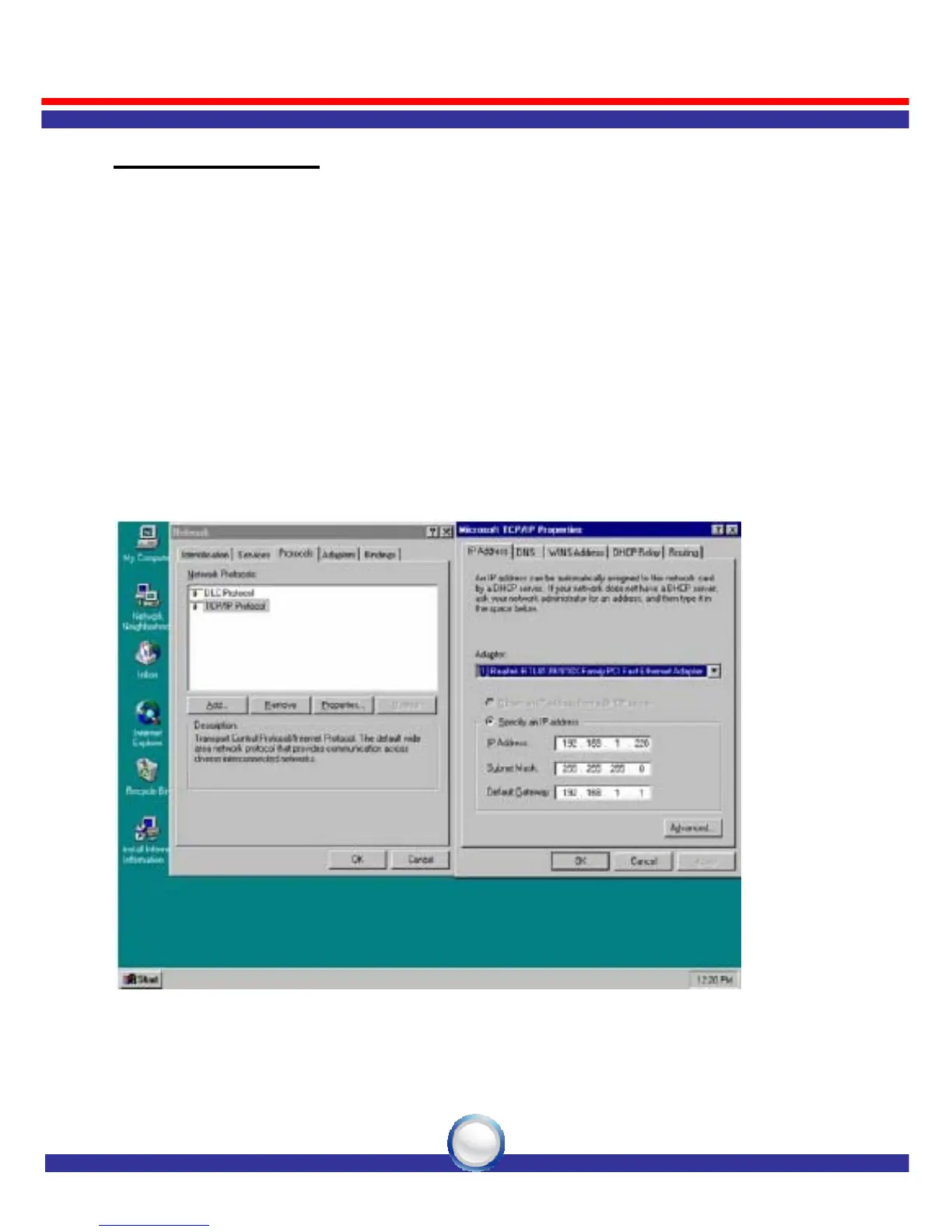
Windows NT 4.0
1. Click the “Start” button, located in the lower left corner of the screen.
2. Move to “Settings” and then click “Control Panel.”
3. In the “Control Panel” window, double-click the “Network” icon to
open “Network” configuration windows.
4. Click on the “Protocols” tab, then double-click “TCP/IP Protocol”.
5. Select “Obtain an IP address from a DHCP server” in “IP Address”
tab.



 To Next Page