LKR-604
21
Administrator Settings
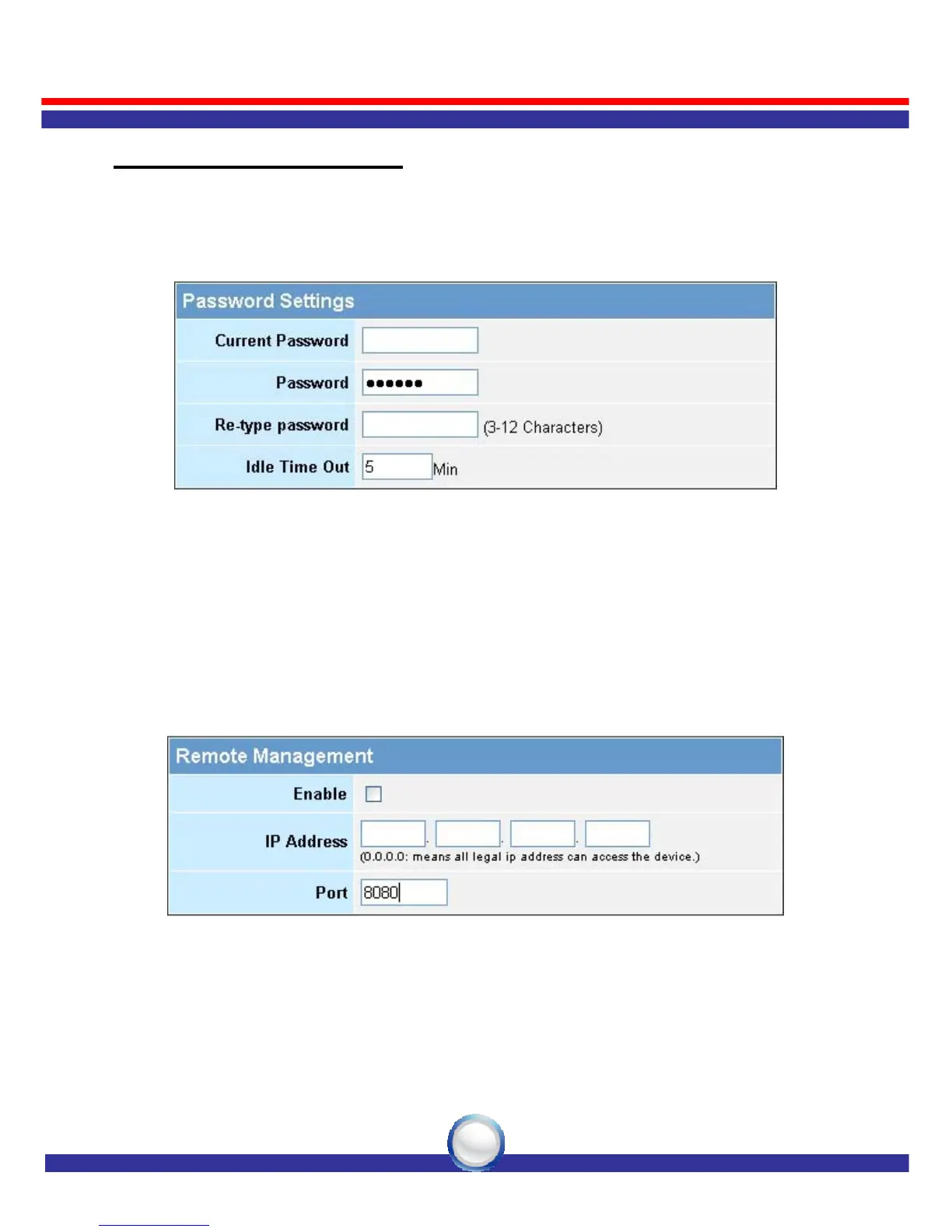
Password Settings: Set an Administrator password if you wish to
restrict management access to the LKR-604
Broadband Router.
Remote Management: To manage the LKR-604 Broadband Router
from a remote location (outside of the local
network), you must specify the IP address of
the remote computer. Leave the IP address as
0.0.0.0, to allow any IP address to access to the
LKR-604 Broadband Router.



 To Next Page