LKR-604
23
Configuration Tools
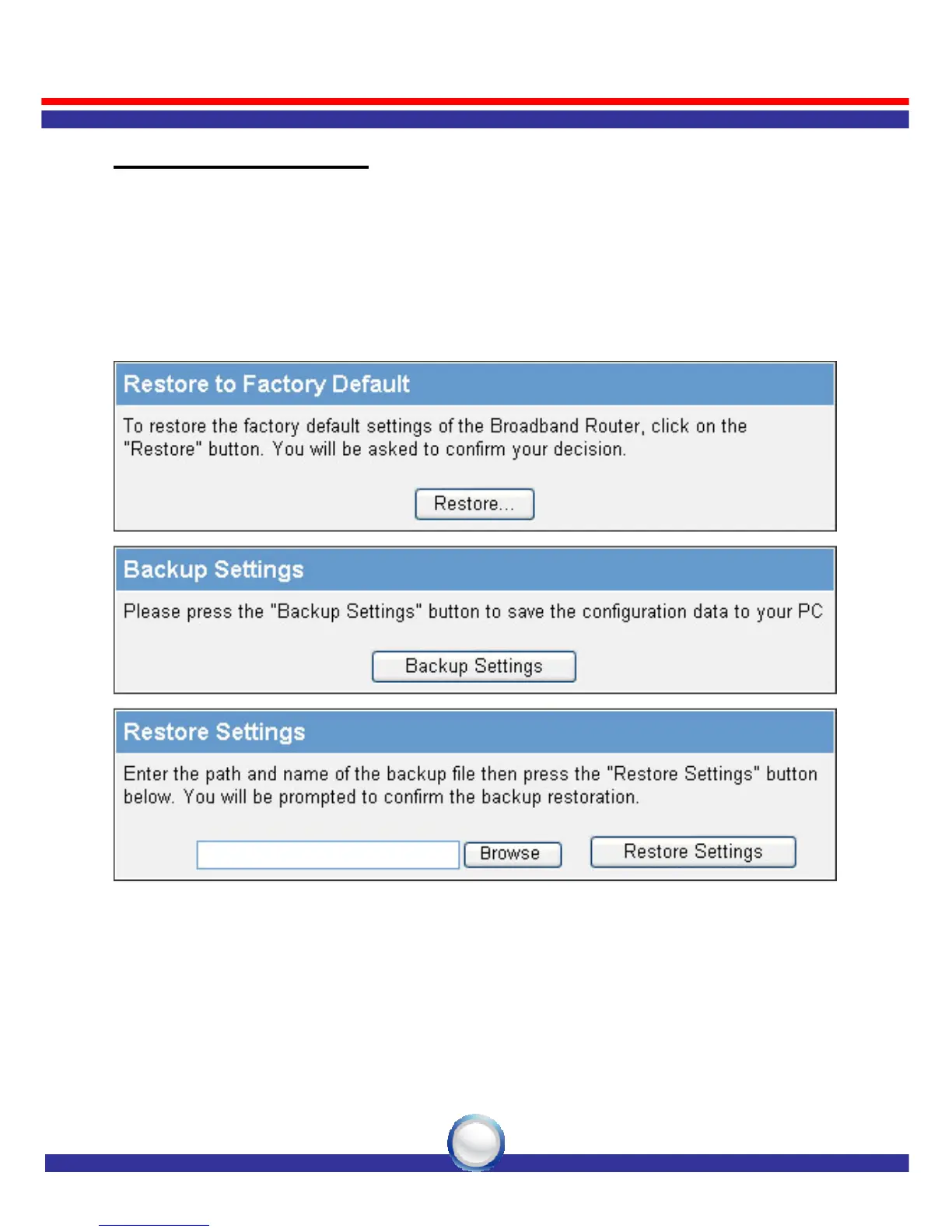
Use the "Backup Settings" tool to save the LKR-604 Broadband
Router current configuration to a file named "config.bin" on your PC.
You can then use the "Restore Settings" tool to restore the saved
configuration file back to the LKR-604 Broadband Router that was set
previously. Select "Restore to Factory Default" tool to force the
LKR-604 Broadband Router to reset and restore the original factory
settings.
• Restore Factory Default
To restore the factory default settings of the LKR-604 Broadband Router,
select the “Restore to Factory Default ” option.
• Backup Settings
Select the “Backup Settings” option to save the current LKR-604
Broadband Router settings in a file called “config.bin,” or save to a
filename of your choosing.



 To Next Page