2
Chapter 1: Introduction
What’s in this User Guide?
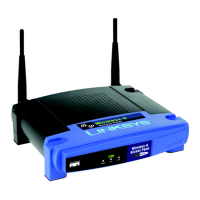
Wireless-G Access Point
What’s in this User Guide?
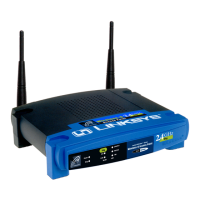
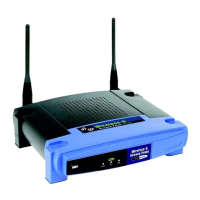
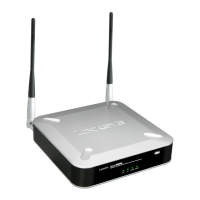
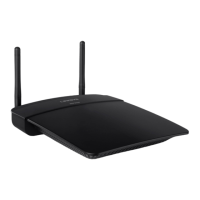
This user guide covers the steps for setting up and using the Wireless-G Access Point.
• Chapter 1: Introduction
This chapter describes the Access Point’s applications and this User Guide.
• Chapter 2: Planning your Wireless Network
This chapter describes the basics of wireless networking.
• Chapter 3: Getting to Know the Wireless-G Access Point
This chapter describes the physical features of the Access Point.
• Chapter 4: Connecting the Wireless-G Access Point
This chapter instructs you on how to connect the Access Point to your network.
• Chapter 5: Setting Up the Wireless-G Access Point
This chapter explains how to use the Setup Wizard to configure the settings on the Access Point.
• Chapter 6: Using the Linksys Wireless Guard Service
This chapter explains how to use the Linksys Wireless Guard service to secure your network.
• Chapter 7: Configuring the Wireless-G Access Point
This chapter explains how to use the Access Point’s Web-based Utility for advanced configuration.
• Appendix A: Troubleshooting
This appendix describes some frequently asked questions regarding installation and use of the Access Point.
• Appendix B: Wireless Security
This appendix explains the risks of wireless networking and some solutions to reduce the risks.
• Appendix C: Upgrading Firmware
This appendix instructs you on how to upgrade the Access Point’s firmware.
• Appendix D: Windows Help
This appendix describes some of the ways Windows can help you with wireless networking.
• Appendix E: Glossary
This appendix gives a brief glossary of terms frequently used in networking.
• Appendix F: Specifications
This appendix provides the Access Point’s technical specifications.





 To Next Page