18 | TV SETTING MENUS
7
9
EJECT
REC
GUIDE
Menus Index
Once you have programmed any
settings, the unit will retain them in
its memory until you change them,
even after turning the TV off.
Picture 20
• Picture Mode
• Personal Mode Settings:
• Brightness, Contrast, Sharpness,
Saturation
• Hue
• Colour Temp
• Aspect Ratio
• Screen Mode (HDMI mode only)
• PC Settings
• Advanced Settings
• NR (Noise Reduction), MPEG NR
(MPEG Noise Reduction), Dynamic
Contrast
TV Setting Menus
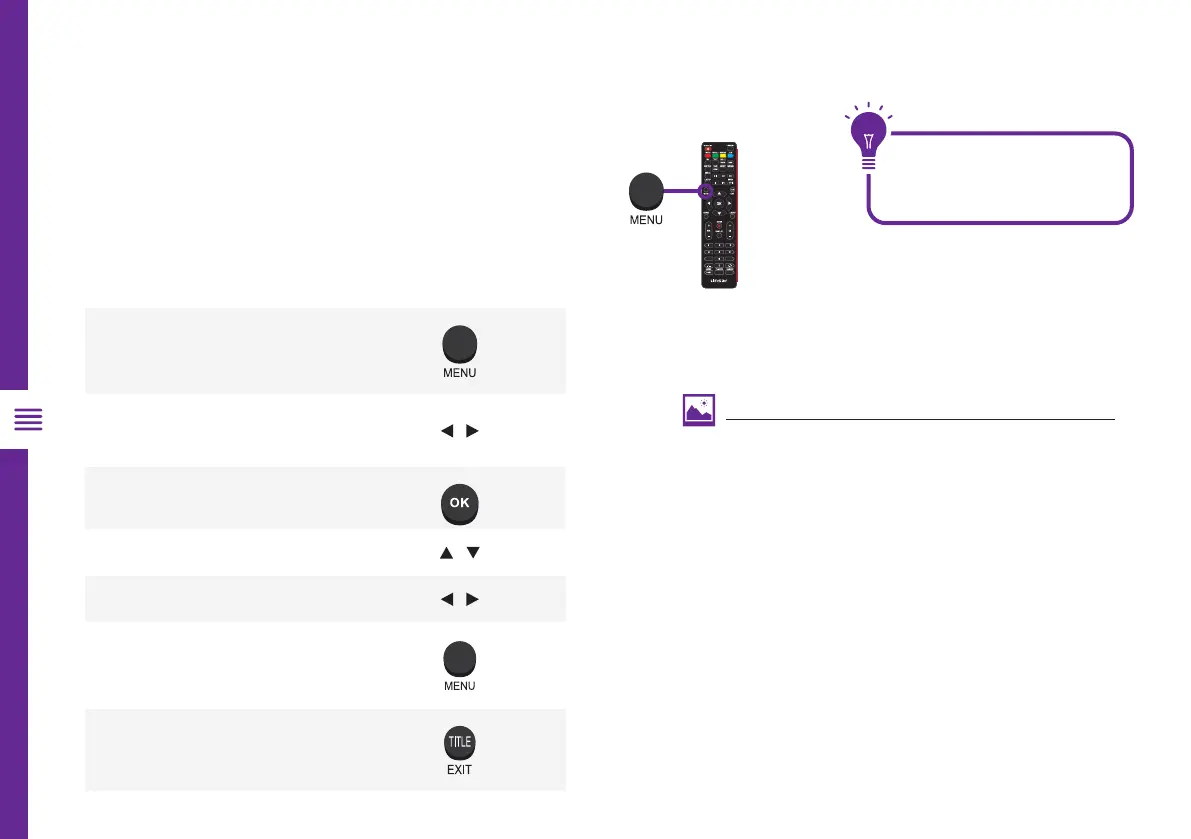
Menu Navigation Buttons
Function Remote Button
Display the main menu
Select different sub-menus
/
Enter a sub-menu
Select preferred option /
Adjust a value
/
Return to the previous menu
Exit a menu
Press the MENU button to display the TV settings
menu. See the guide below for all the other buttons
you'll need to use to adjust and change your settings.



 To Next Page