TV SETTING MENUS | 31
PVR Settings
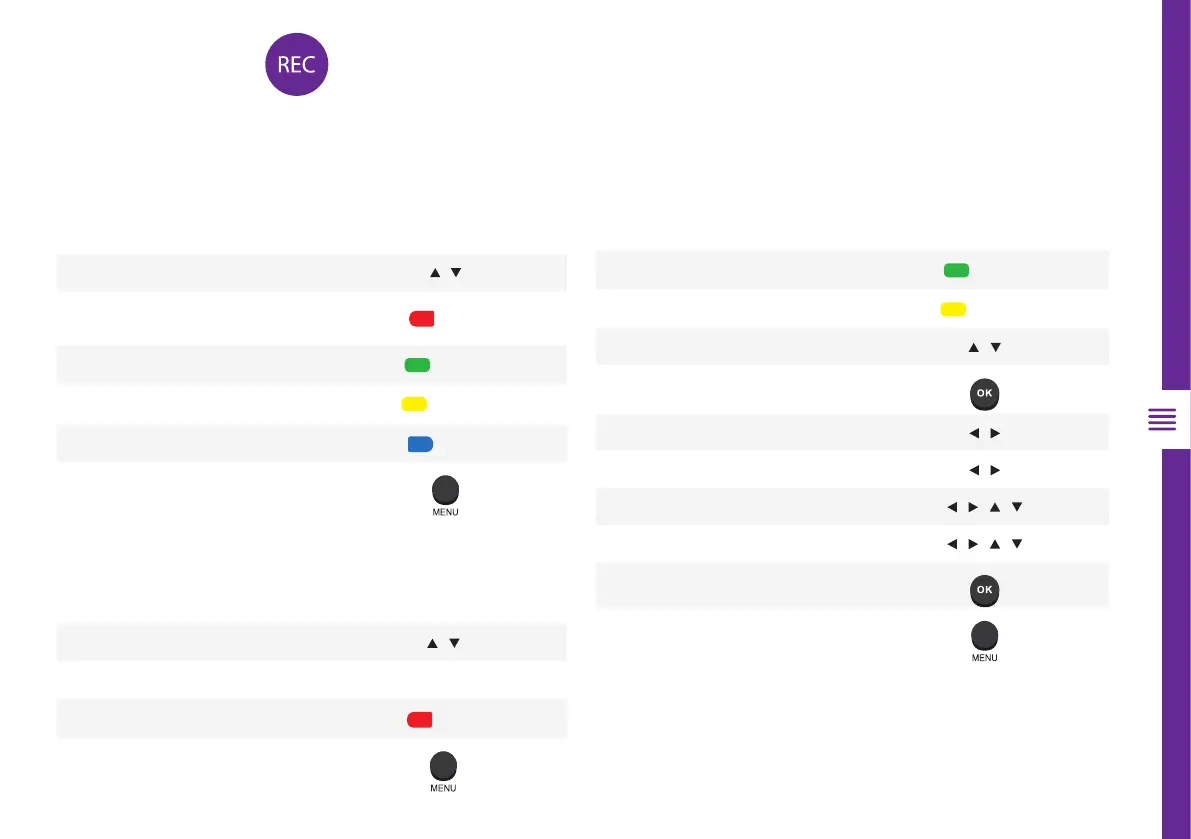
To make changes to PVR (Personal Video Recording), ensure your USB drive is inserted into the TV. Check the
troubleshooting section if you're having problems setting up your USB device.
Function
Remote Button
Select USB device /
Select device
OK
Format device
GOTO
Return to PVR Settings screen
Function Remote Button
Delete the highlighted file
ANGLE
Delete all recorded files
REPEAT
Select a schedule /
Add/edit scheduled recording
Select recording frequency /
Select a channel /
Select start time of recording / / /
Select end time of recording / / /
Save settings (once selected)
Return to PVR Settings screen
File Manager
Device list
Scheduled Record
Function
Remote Button
Select a recorded file
/
Play highlighted file from the
beginning
GOTO
Delete the highlighted file
ANGLE
Delete all recorded files
REPEAT
Zoom in or out
A-B
Return to PVR Settings screen



 To Next Page