32 | TV GUIDE
7
9
EJECT
REC
GUIDE
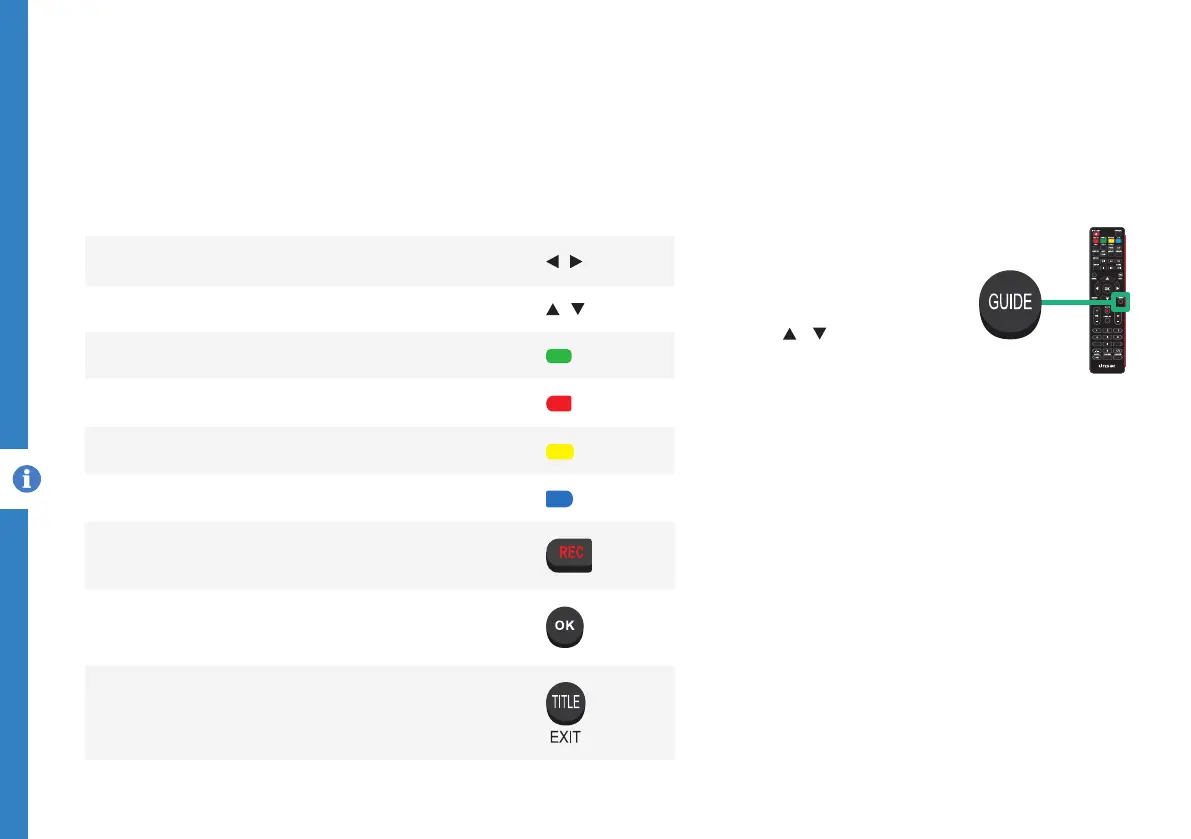
TV Guide
(Free to air TV)
To access the TV guide,
press the GUIDE button on
the remote.
To activate the TV Channels
use the / buttons to
select a channel in the left
column, then press OK to
confirm.
TV Guide Functions
Function Remote Button
Switch between the channels list and programs list
/
Select a Channel or Program
/
View TV Guide for the next day
ANGLE
View TV Guide for the previous day
GOTO
View Schedule list
REPEAT
Schedule a reminder for the selected program
A-B
Schedule a recording for the selected program
Display full program information
Exit TV Guide menu



 To Next Page