Troubleshooting
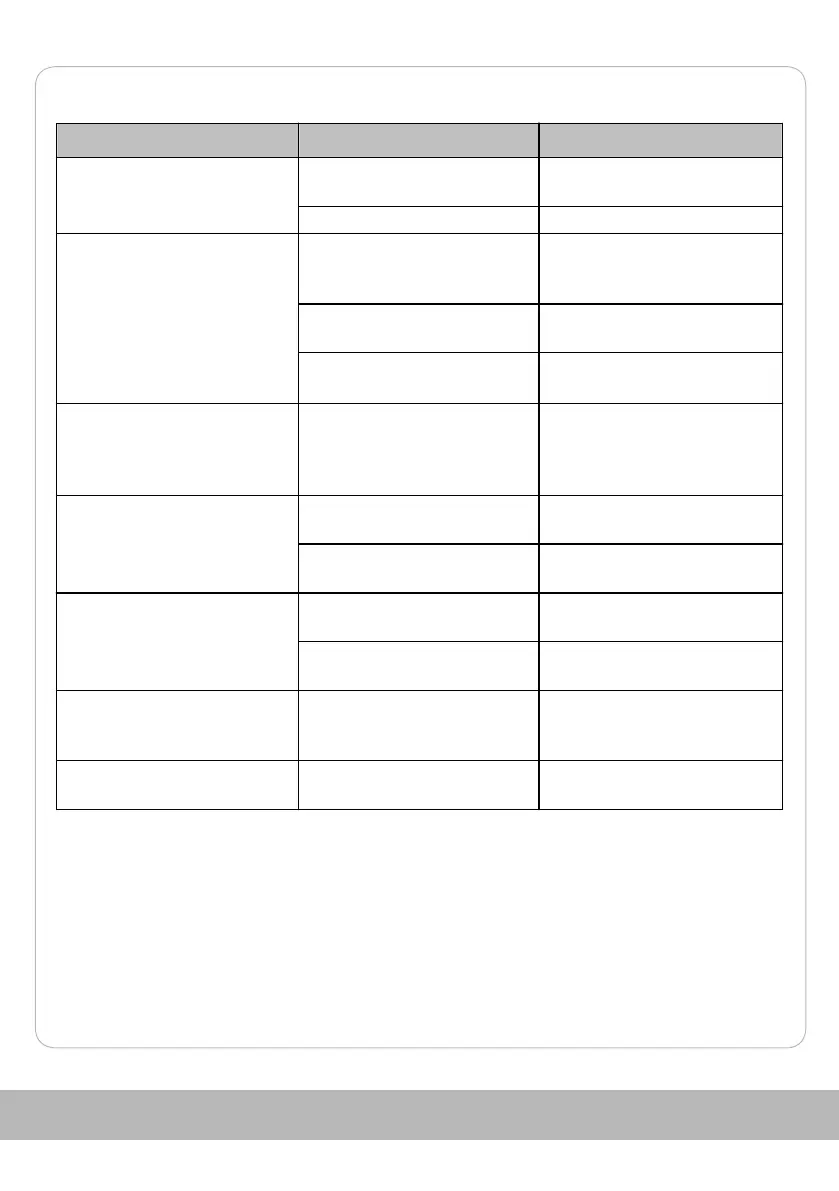
Problem Possible cause Troubleshooting
The device does not work. The mains plug is not
connected to the socket.
Connect the mains plug to a
socket.
The device is damaged. Contact the customer service.
No steam is generated. The water tank 5 is empty. Fill water into the water tank
(see chapter Refilling the water
tank).
The device is not heated up
yet.
Wait until the steam readiness
indicator light 9 goes out.
The device is damaged. Contact the customer service.
The Steam readiness indicator
light 9 goes out and lights up
again.
There is no malfunction: The
temperature was briefly
undercut and the device was
heated up again.
The amount of steam is
reduced.
The temperature is too low. Wait until the device has
heated up again.
There is too much water in the
water tank 5.
Remove some water from the
water tank.
Water is dripping from the
steam nozzle.
The temperature is too low. Wait until the device has
heated up again.
There is too much water in the
water tank 5.
Remove some water from the
water tank.
The steam switch 6 cannot be
pressed.
The steam switch is locked. Unlock the steam switch (see
chapter Locking and unlocking
the steam switch).
Water is leaking from the
connecting parts.
The seals are fatigued. Replace the affected seal with a
suitable one.
65



 To Next Page