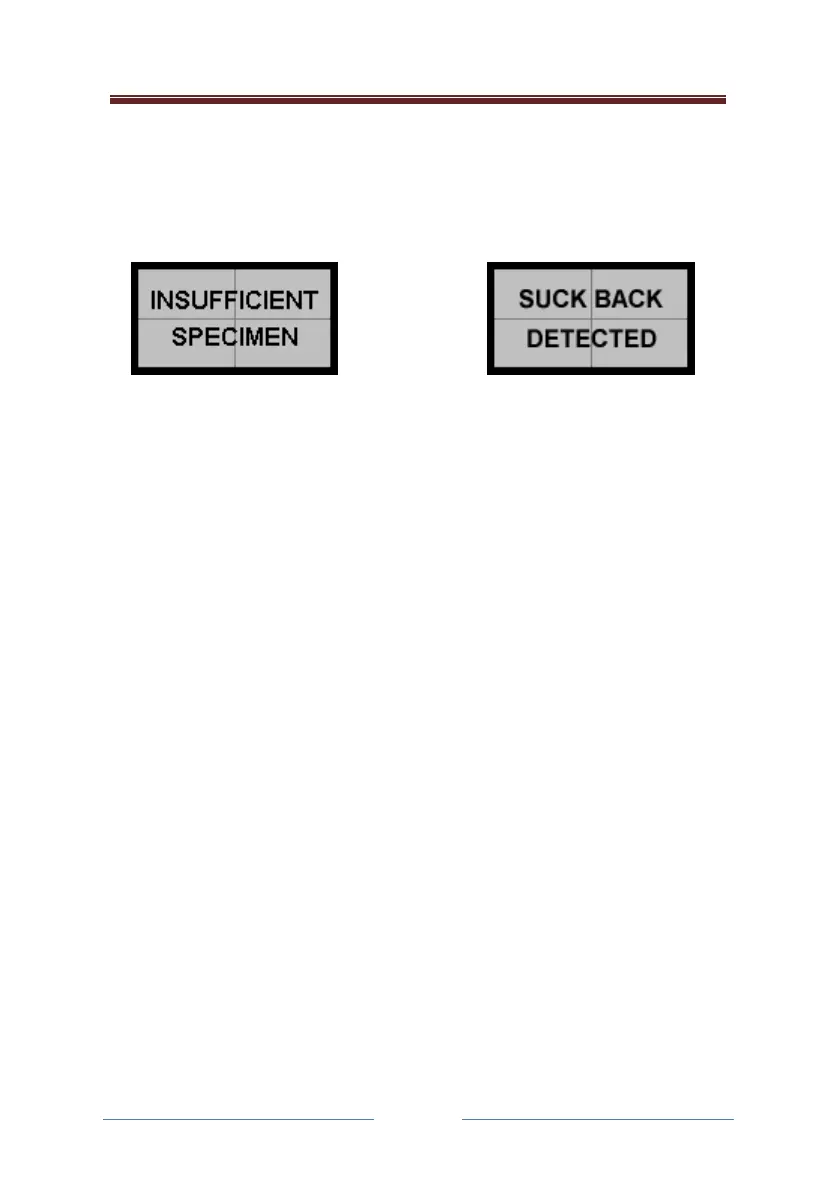
Invalid breath samples
If the subject does not blow for long enough, or sucks back before the
breath specimen is taken into the fuel cell sensor for analysis, then no
sample is actually taken. The display shows the following warnings:
The system will reset itself and then display that it is ready again. Re-
instruct the subject to blow into the instrument. There is no requirement
to change the mouthpiece for this repeat attempt, though the operator
may of course do so.
If the operator is unable to obtain a sample and manual sampling is
enabled they can activate the sampling mechanism by pressing the Action
Button (AB) at any point during the test routine.
If the subject sucks back when the analysis is underway (ie after the
Sample Taken message has appeared) then there is no effect on the
alcohol measurement, so the alcohol reading will be given as normal.
Manual breath sampling
If enabled, it is possible to take a manual sample of the sample provided
by the subject. With the screen in the READY mode, instruct the subject to
provide the sample. As the subject blows into the unit, press the Action
Button (AB).
The unit will carry out the analysis and display the result as detailed
previously. This feature may be disabled in the configuration if not
needed.



 To Next Page