Menu access
The lion alcolmeter® 700 can be configured to give the operator extended
functionality.
In the ready screen, by pressing the Up Button (UB) the operator can
access the following options if they are enabled:
• Log
• Calibration check
• Calibration adjustment
• Language selection
• Set time and date
The log is always enabled and this allows the operator to scroll through
the database.
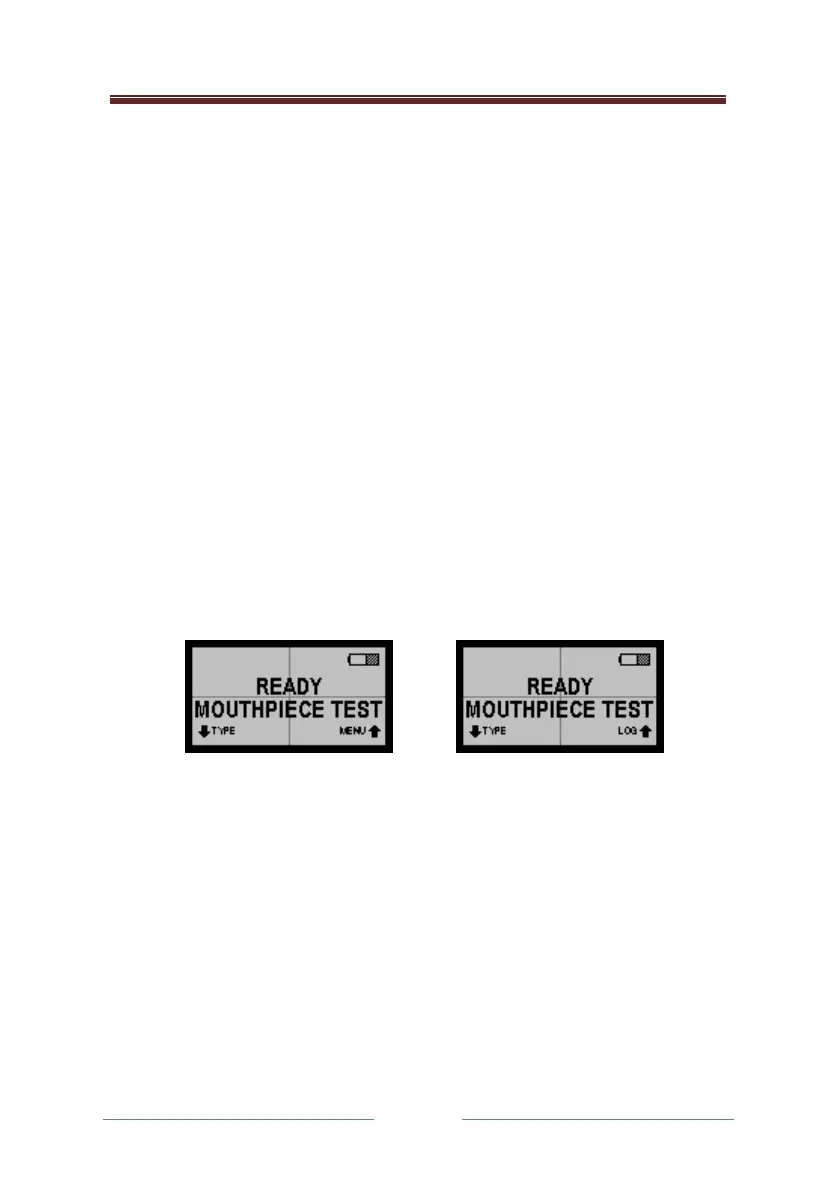
If any of the other features are enabled, rather than showing log on the
ready screen, the instrument will display menu.
Screens showing (1) menu enabled, and (2) menu disabled
The log is always available to the operator, but the extended menu may
not be available, and if it is available it may be protected by a PIN. This PIN
and each of the features that may be available are enabled or disabled
through the configuration application.



 To Next Page