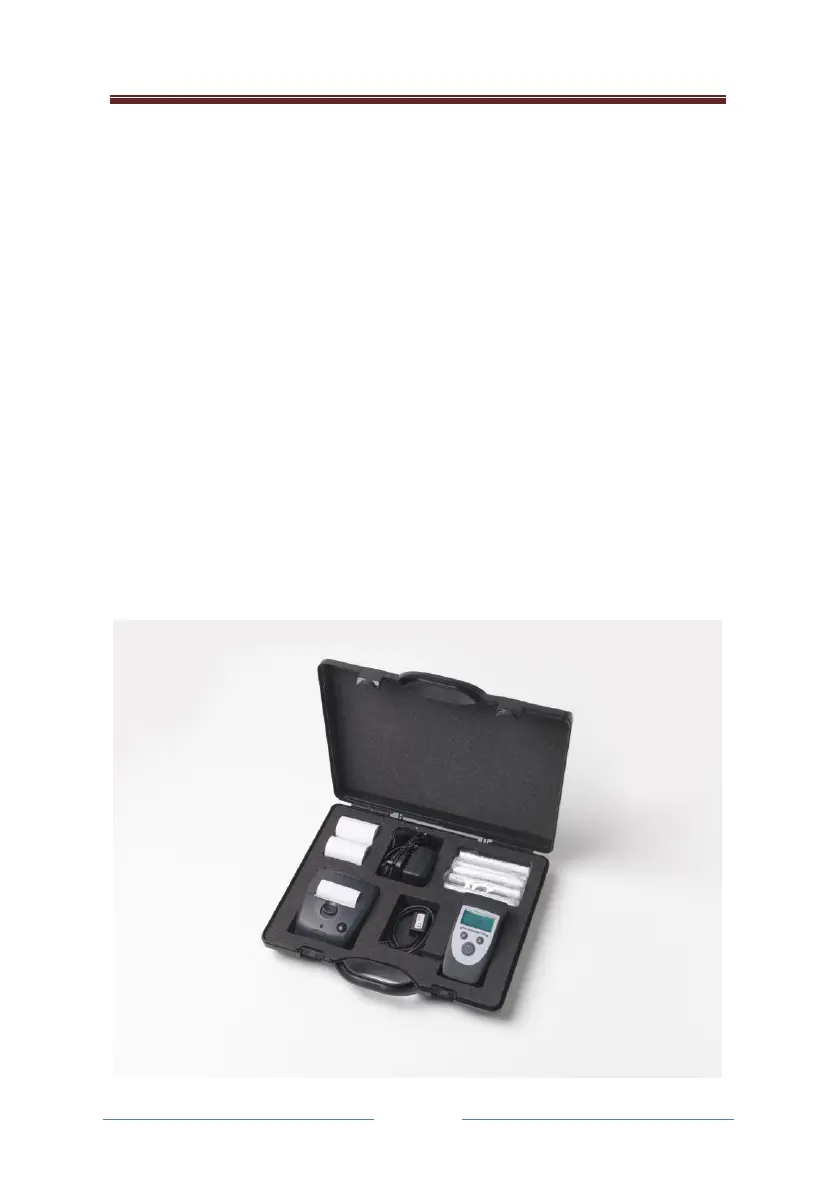
Printing with the lion alcolmeter® 700
The lion alcolmeter® 700 can be connected to a printer so that it gives a
printout of the test result.
This is configured and enabled through the configuration application.
If enabled and if a printer is connected and switched on, the instrument
will print a printout following a successful test result.
To get an extra printout, or print outs of previous tests, the operator can
scroll through the database log, and press the Action Button (AB). If the
number of printouts in the configuration of the instrument is anything
other than zero, the operator will now have the option of performing a
printout.
If they wish to perform a printout they should select “yes”, in which case
they will have the option of printing the record that they were viewing, or
a summary of the database.



 To Next Page