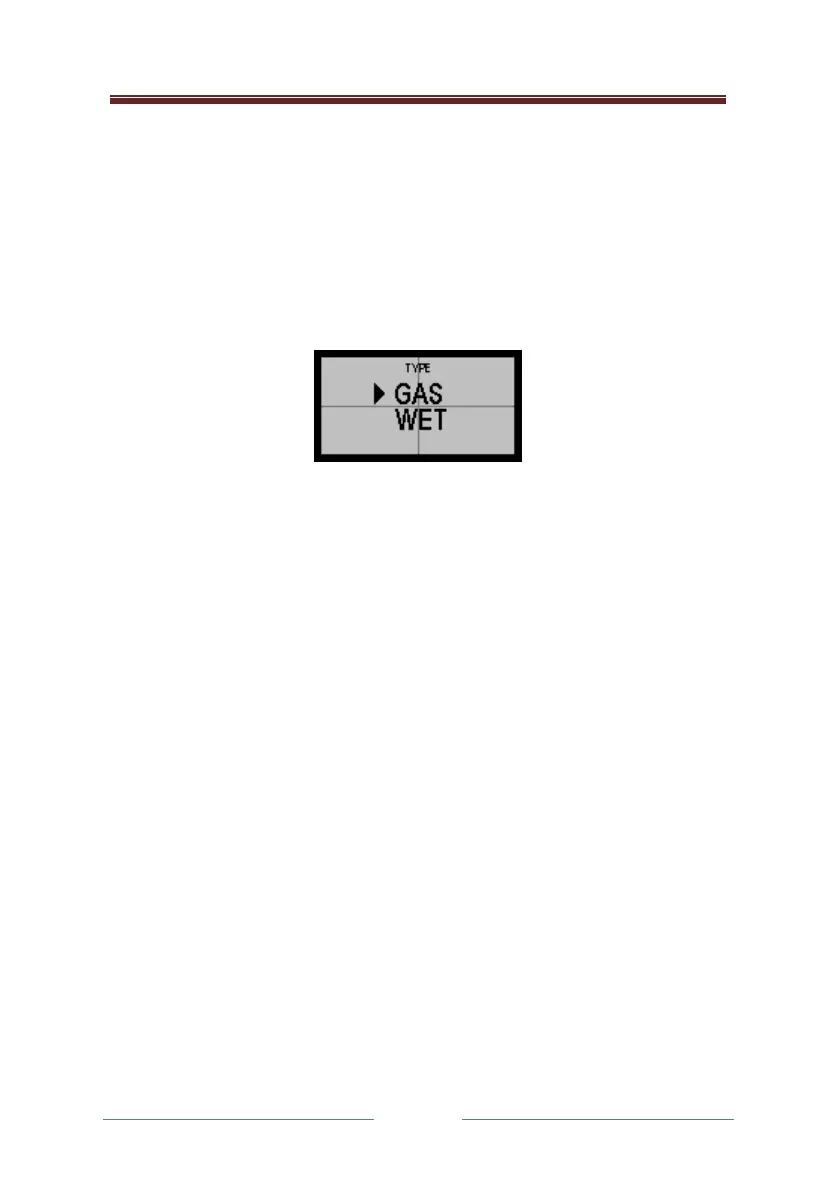
Standard Type Selection (Wet or Dry)
In most cases the operator instrument will have been set up in its
operating software for use with either a wet or dry alcohol standard.
However, in some cases, having entered the Standard Value as described
previously, the operator will also have to define the Standard Type, in the
following way:
It is imperative in such cases that the correct setting is made, or the
instrument will not be calibrated correctly.
Calibration check
This allows the operator to carry out a calibration check. If unsure on how
to carry out a calibration check, or for further details, please see the
calibration check procedure contained in the supervisor section of the
supervisor handbook.
The Calibration CHECK Procedure
Calibration CHECK Mode ensures the instrument is in its proper
temperature range for checking purposes. A screen message will appear if
its temperature is below +15°C or higher than +30°C.
Procedure for carrying out a check
Carry out the calibration check using your calibration standard. This may
be either dry gas or wet vapour simulators. The instrument may give you
the choice to select which type of standard you are using, or may be set up
if the operator only has one standard available. If unsure contact your
supervisor.



 To Next Page