Calibration Adjustment
This allows the operator to carry out a calibration adjustment. If unsure
on how to carry out a calibration adjustment, or for further details, please
see the calibration adjustment procedure contained in the supervisor
section of the supervisor handbook.
The Calibration ADJUSTMENT Procedure
The instrument temperature must be in the range 15
0
C - 30°C. Assuming
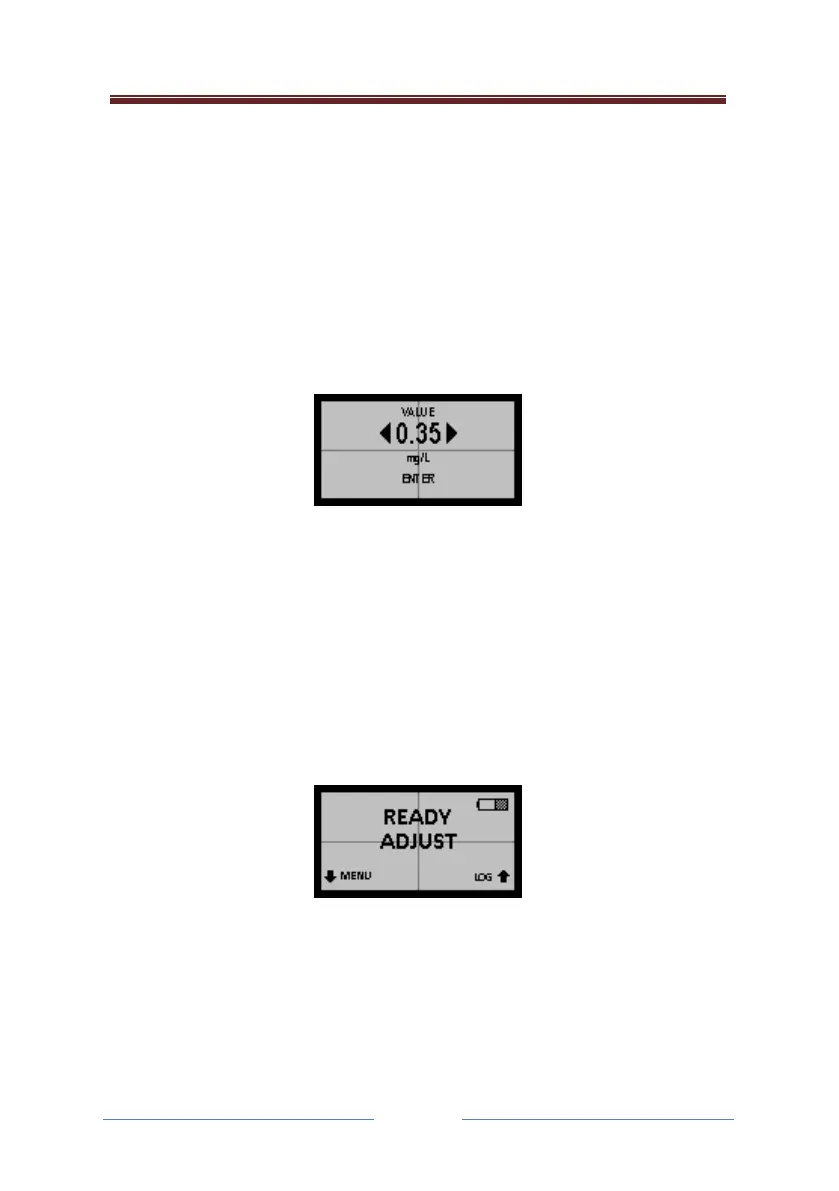
this condition is met, the next screen to appear will be:
Use DB and UB to change the displayed number to agree with the known
alcohol standard (after making any allowance for altitude for a dry-gas);
then press AB to ENTER.
Then select either “Dry” or “Wet” depending upon whether the operator is
using a dry gas or wet vapour.
When the instrument is ready, take a sample of the alcohol standard:
The instrument now calibrates itself, automatically.
Before returning the 700 to service, the operator may wish to CHECK its
accuracy of calibration, to verify that the above process has been carried
out satisfactorily.



 To Next Page