8 LR-3200 Receiver Manual
QUICK SETUP AND OPERATION INSTRUCTIONS:
1. Unpack Unit
Inspect the unit for physical damage. If damage is apparent, please contact Listen Technologies technical
support for assistance.
2. Activate Battery
Remove the clear plastic pull tab located at the bottom of the battery door, this will activate the internal
battery connections. Note: upon rst activation the battery will have a limited charge, we recommend
the unit be charged immediately.
3. Charge Battery
Fully charge the rechargeable Lithium Ion battery by connecting the unit to one of Listen Technologies
charging options.
a. LA-380 Intelligent 12-Unit Charging/Carrying Case
b. LA-381 Intelligent 12-Unit Charging Tray
c. LA-421 1-Port USB Charger (comes with cable)
d. LA-423 4-Port USB Charger (comes with 4 cables)
e. LA-422 USB to Micro USB cable (Connects receiver to any standard USB port)
When connected to a charging option the status LED next to the power button will begin to ash indicating
that the unit is charging. When the unit reaches 100% charged the status LED next to the power button will
stop ashing and will be solid.
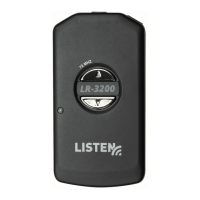
Status LED: Flashes during
charging Solid when charge is
complete
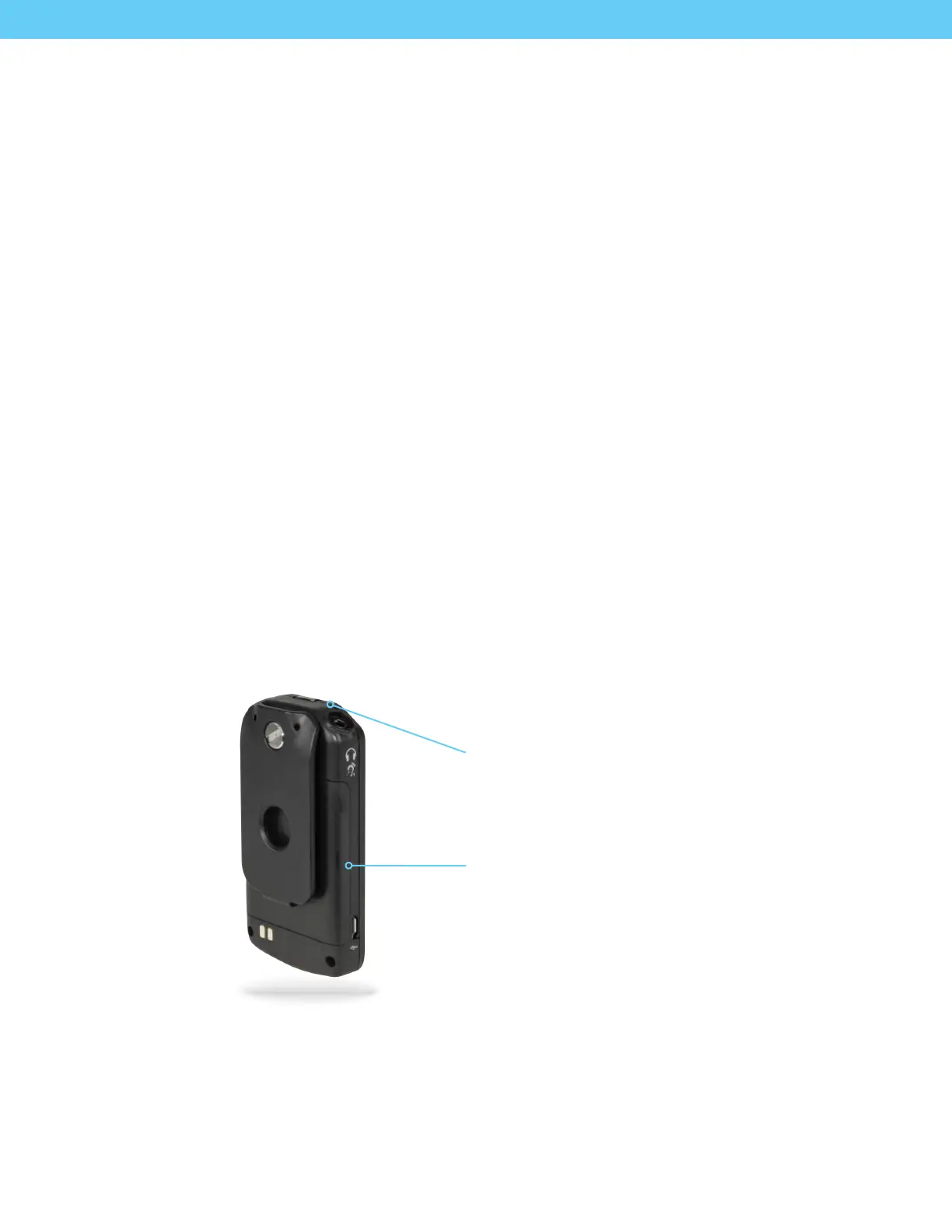
Pull the tab to activate the
internal battery


 To Next Page