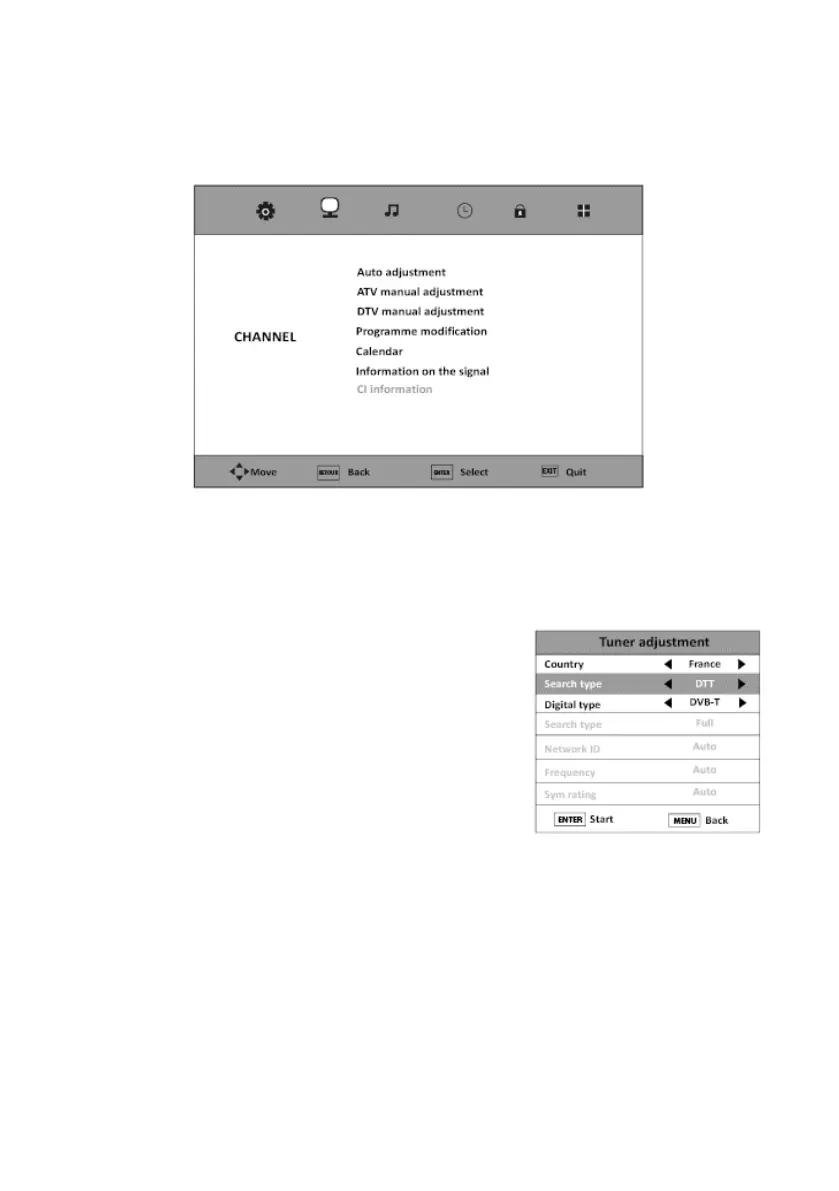
• CHANNEL Menu
This menu is used to adjust the contrast, brightness, colour, sharpness, hue, colour temperature,
aspect ratio, noise reduction, etc.
AUTO SETTING
This option allows you to automatically adjust the channels you can receive.
1. Select your country with the and buttons.
2. Select the type of search with the and buttons:
ATV+DTT (analogue + digital), DTT (digital) or ATV
(analogue).
3. Select the digital type with the and buttons: DVBT
(DTT) or DVBC (cable).
4. Press the ENTER button to start the automatic channel
search.
V.1.0 74



 To Next Page