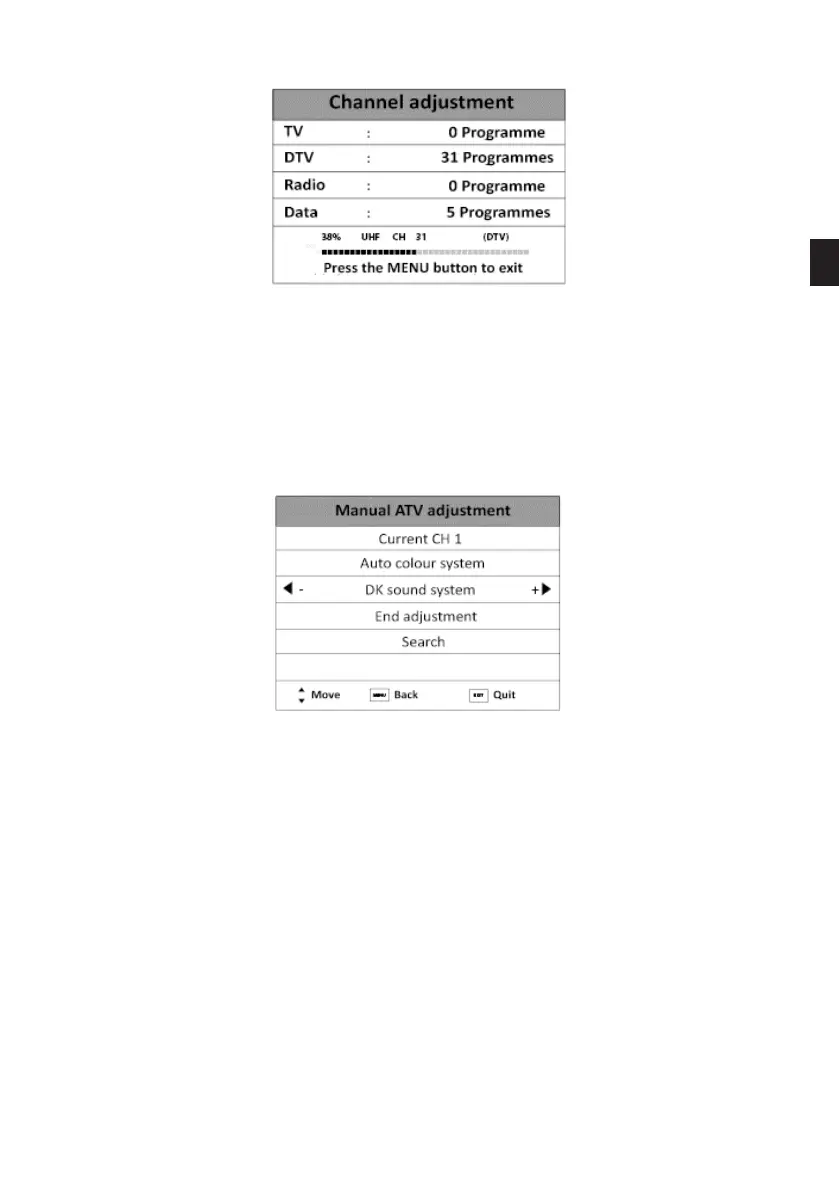
While searching, you can press the MENU button to stop the automatic adjustment and close
the menu.
MANUAL ATV ADJUSTMENT
This option allows you to manually adjust the channels in analogue mode:
• Channel number: Press and buttons to select the channel number from 1 to 99.
• Colour system: Press the and buttons to select the colour system: Auto, SECAM or PAL.
• Sound system: Press and buttons to select the sound system: DK, L or BG.
• Fine adjustment: Press the and buttons to specify the frequency of the channel you
wish to search for.
• Search: Press the and buttons to start the manual search.
EN
75 V.1.0



 To Next Page