CALENDAR
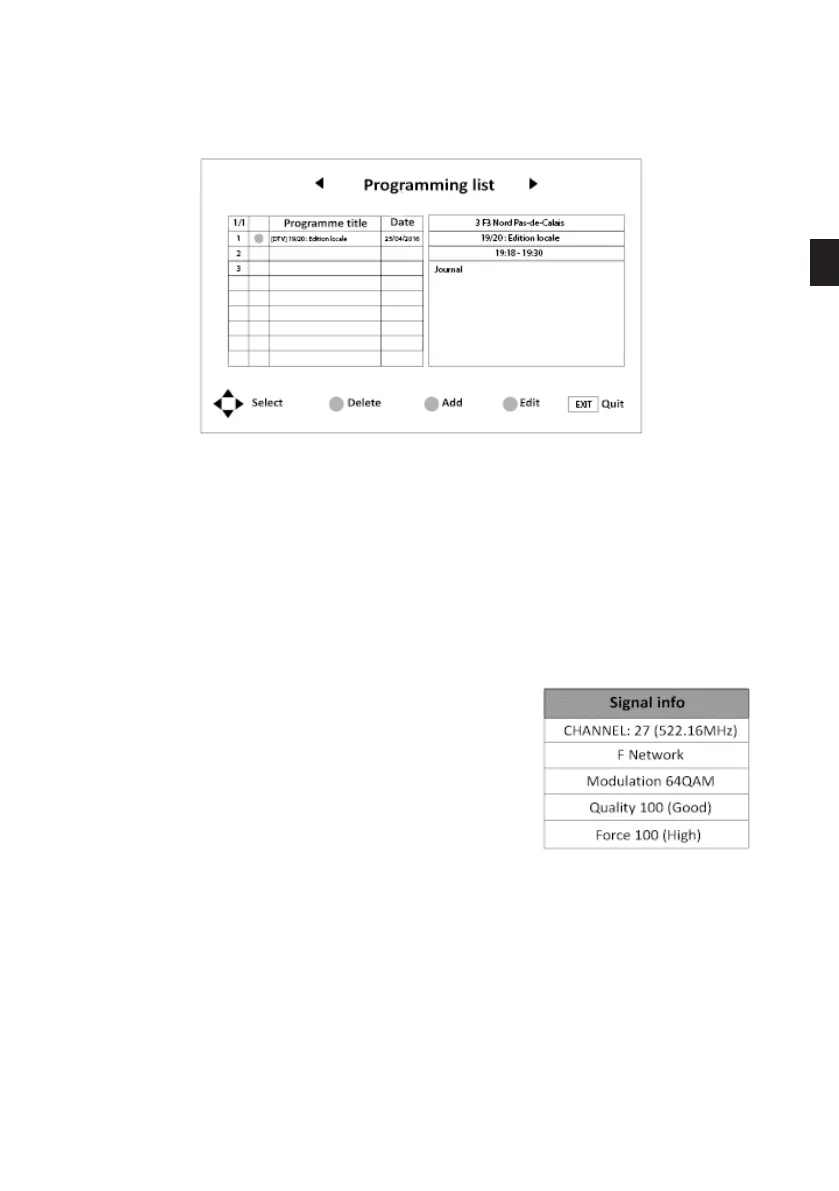
Press the ENTER button to access the list of scheduled recordings on your USB device.
You can press:
- the blue key to edit this schedule.
- the yellow button to add a schedule
- the red button to delete a schedule
- the Exit button to exit the menu.
SIGNAL INFORMATION
Press the ENTER button to access the signal quality
information.
CI INFO
Press the ENTER button to enter the CI card menu when the CI card is inserted in the TV.
• PICTURE menu
This menu is used to adjust the contrast, brightness, colour, sharpness, hue, colour temperature,
aspect ratio, noise reduction, etc.
EN
77 V.1.0



 To Next Page