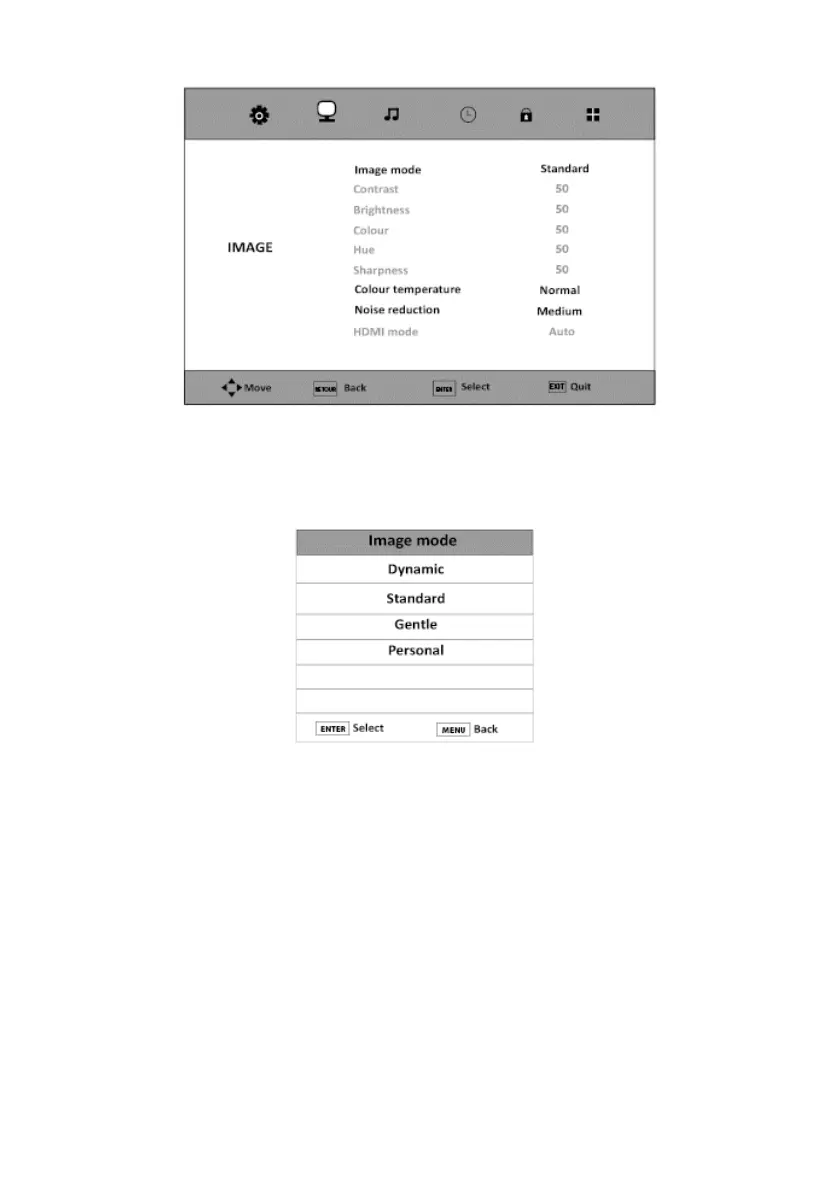
PICTURE MODE
This option sets the image mode.
1. Press the Menu button and press the button to select the Picture Menu.
2. Press the ENTER or button to select Picture Mode.
3. Press to select one of the following modes:
Dynamic -> Standard -> Soft -> Custom
4. Press the Menu button to return to the main menu, or press the Exit button to exit the
menu.
• Standard: Normal mode is generally used in an environment with constant brightness.
• Soft: This mode is ideal for dark surroundings. The brightness is higher than in the other
modes.
V.1.0 78



 To Next Page