• Dynamics: This mode is ideal for rooms with intense lighting: the brightness, colour and
sharpness settings are lower than in the other modes.
• When you select the Custom mode, you can adjust the contrast, brightness, colour and
sharpness.
CONTRAST
This option adjusts the white balance of the image. Increase the contrast to adjust the white
areas of the image or decrease the contrast to adjust the black areas of the image.
BRIGHTNESS
This option is used to adjust the brightness of the image. If you increase the brightness, the
dark parts of the image are brightened. If you decrease the brightness, you add more darkness
to the pale areas of the image.
COLOUR
This option adjusts the saturation of the image.
HUE
This option adjusts the colour balance between red and green.
SHARPNESS
This option is used to adjust the sharpness of the image. Increase the sharpness level for clearer
images or decrease the sharpness level for softer images.
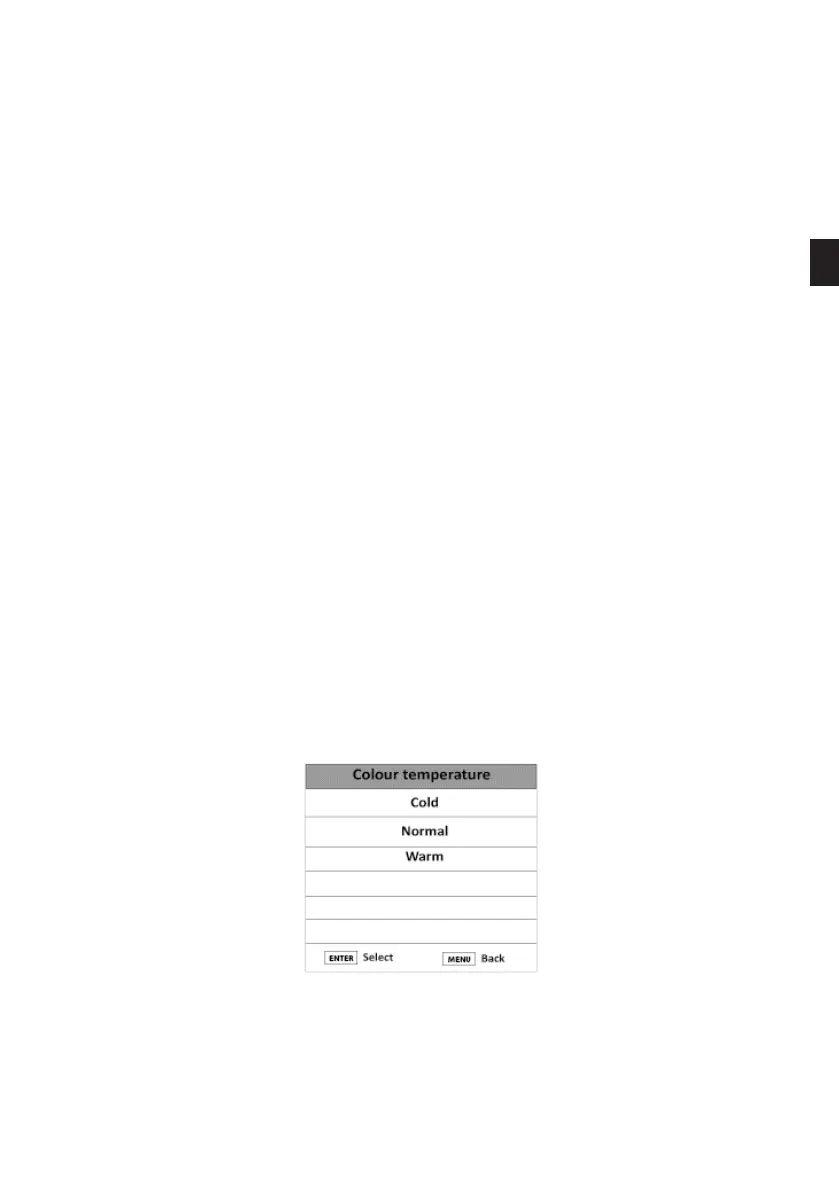
COLOUR TEMPERATURE
This option adjusts the dierent colour temperatures of the image.
1. Press the Menu button and press the and buttons to select the Picture Menu.
EN
79 V.1.0



 To Next Page