2. Press the ENTER or button, then select Colour Temperature with the button.
3. Press or to adjust the dierent colour temperatures:
Cold -> Normal -> Hot
4. Press the Menu button to return to the main menu, or press the Exit button to exit the
menu.
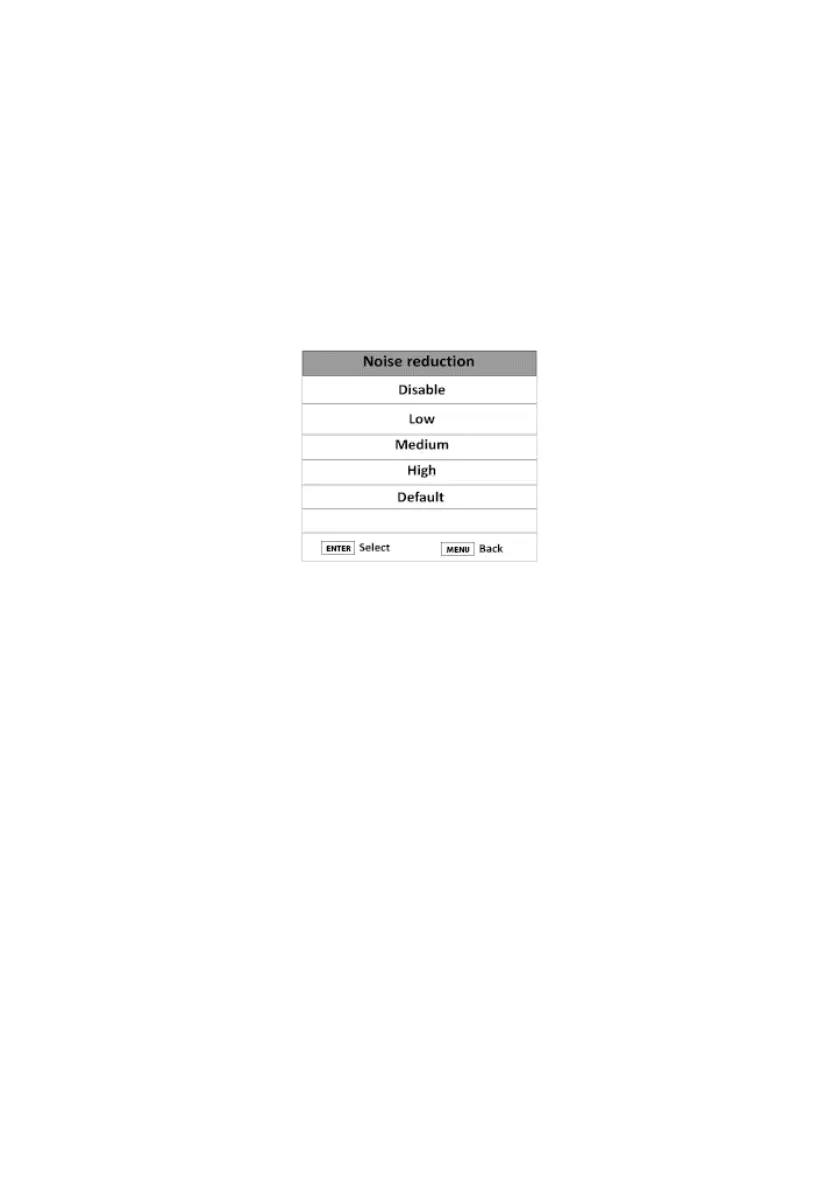
NOISE REDUCTION
This option allows you to reduce interference when watching a programme.
1. Press the Menu button and press the button to select the Picture Menu.
2. Press the ENTER or button, then select Noise Reduction with the button.
3. Press or to adjust the image noise:
Disable -> Low -> Medium -> High -> Default
4. Press the Menu button to return to the main menu, or press the Exit button to exit the
menu.
HDMI MODE
This option allows you to select the type of device connected in HDMI to your TV (Auto, Video
or PC).
• SOUND menu
This menu is used to set the sound mode of the soundtrack.
V.1.0 80



 To Next Page