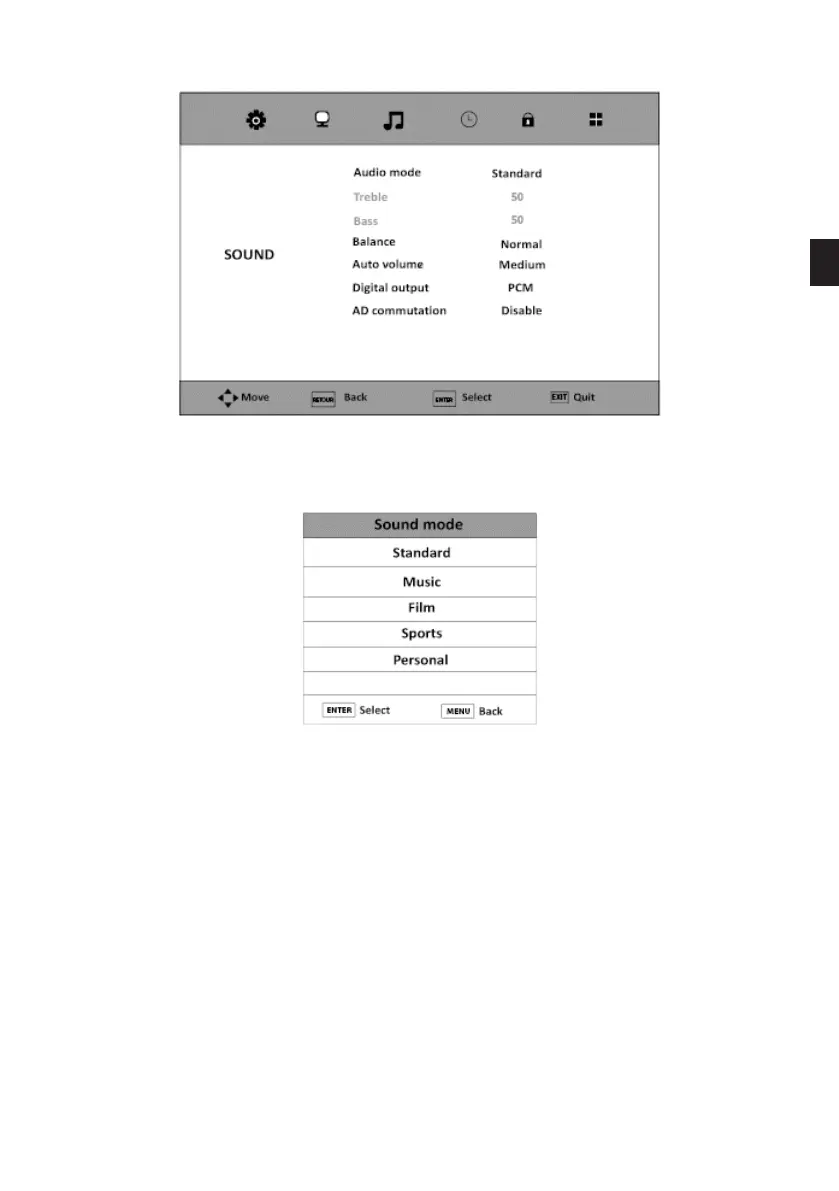
SOUND MODE
1. Press the Menu button and press the and button to select the Sound Menu.
2. Press the ENTER or button to select Sound Mode.
3. Press to select one of the following modes:
Standard -> Music -> Film -> Sports -> Custom
4. Press the Menu button to return to the main menu, or press the Exit button to exit the
menu.
When you select the Custom mode, you can adjust the bass and treble.
EN
81 V.1.0



 To Next Page