USB MEDIA PLAYBACK
• Press the SOURCE button to display the available sources.
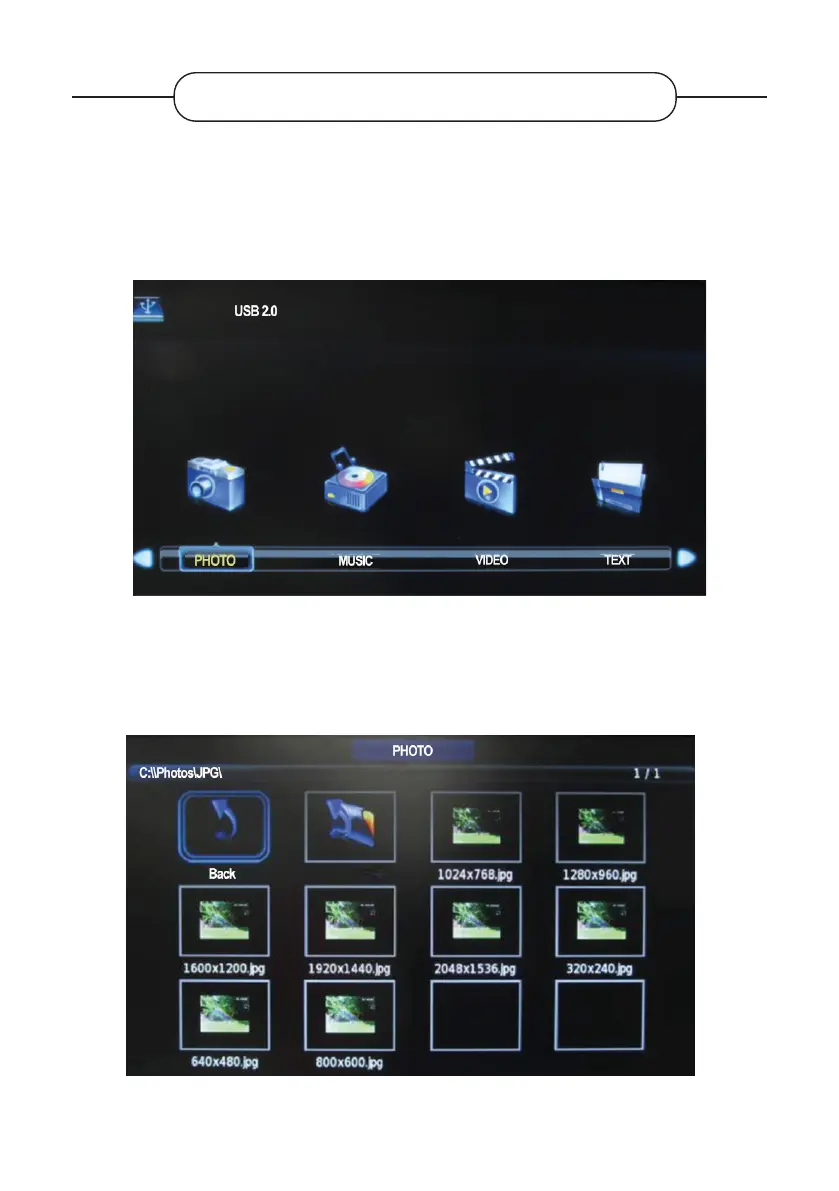
• Press the or buttons to select MEDIA, then press the ENTER button to enter the
multimedia area.
• Press the or buttons to select the desired function: Photo, Music, Film or Text.
• View a photo
Press the or buttons to select the Photo mode, then press the ENTER button to conrm.
V.1.0 92



 To Next Page