Select a photo le from the list using the or buttons, then press the ENTER button to
display the photo. If there are multiple photos on the media, the slide show of all the photos
automatically starts with the selected photo.
During playback:
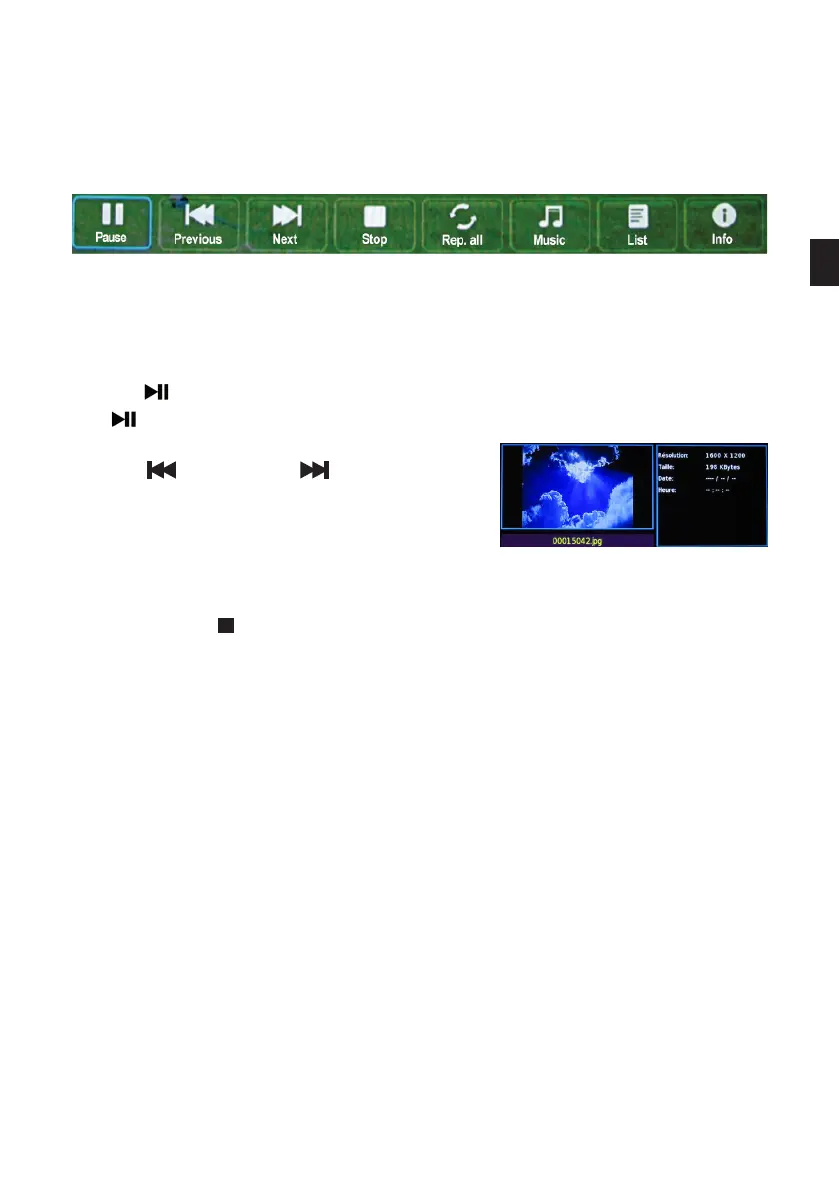
• Press the ENTER button to enter the menu bar (play, repeat, list, info, rotate, zoom, move).
• Use the (pause) button to freeze the photo on the screen. To restart the slide show, press
the (playback) button again.
• Use the (previous) and (next) buttons on the
remote control to move to the previous or next photo.
• Use the or buttons on the remote control to rotate
the image up to 360°.
• Press the EXIT or button to return to the photo list.
• You can also display information about a photo le by waiting a few seconds after selecting
the le without pressing the ENTER button.
• listen to an audio le
Press the or buttons to select the Music mode and press ENTER to conrm.
EN
93 V.1.0



 To Next Page